
iPhone Screenshots




Description
iShutTime
Take full control of your laptop power management with iShutTime. Whether you need a simple countdown timer or advanced automation triggers, this app handles it all with a stunning, native desktop design.
Key Features
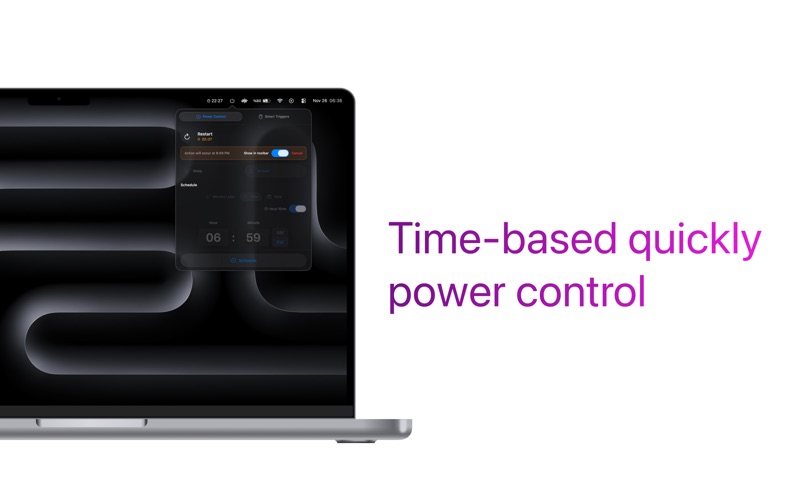
Precision Timer Schedule your computer to Shutdown, Sleep, Restart, or Logout automatically.
Safety First: Receive a notification 1 minute before the action executes, giving you time to cancel if you're still working.
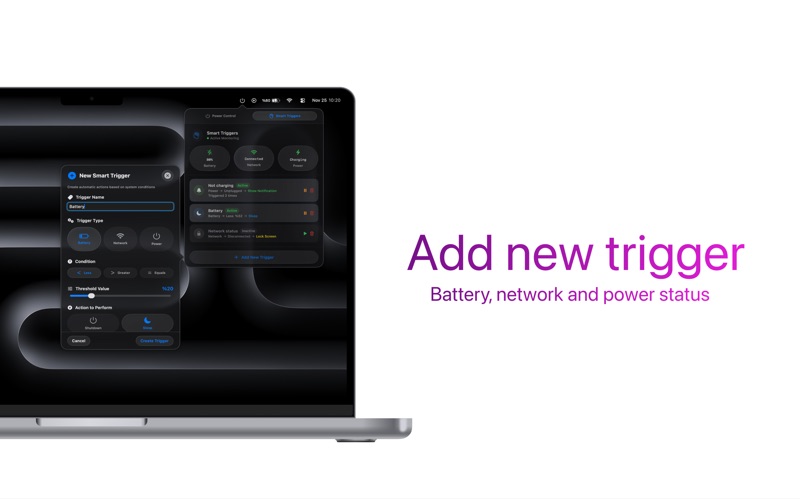
Smart Triggers Automate your workflow based on your environment. Set up custom rules to Sleep, Lock Screen, Logout, or Send Notifications based on:
Battery Level: Automatically save power when your battery hits a specific percentage.
Power Status: Lock your screen instantly when the charger is unplugged.
Network Status: Trigger actions when you connect or disconnect from Wi-Fi.
Designed for Desktop Built with the latest design standards.
Liquid Glass Effect: Enjoy a modern, translucent interface.
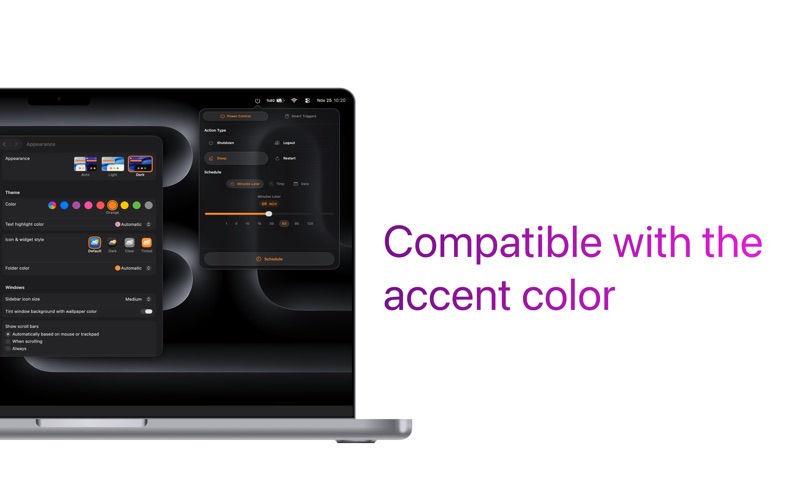
Native Look: Fully supports System Accent Colors and seamlessly switches between Dark and Light modes.
Important Setup
To ensure iShutTime can execute its functions and timers correctly, users will need to grant two essential permissions:
Notification Permission: Required to send the 1-minute safety alerts and custom notifications.
System Accessibility Access: Required for the app to automate system-level actions like Sleep, Restart, Shutdown, and Lock Screen.