
iPhone Screenshots
Description
Overview:
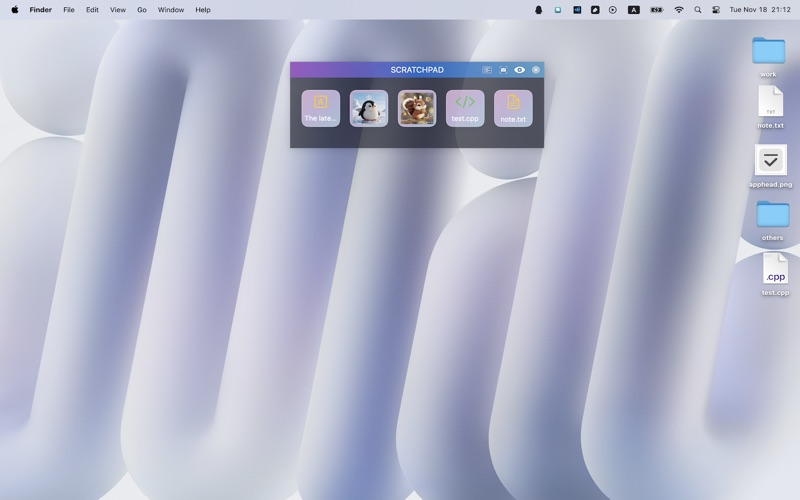
This is a lightweight and flexible floating shelf utility for macOS, designed to keep your ideas, files, and content always within reach.
Drag text, images, files, or snippets from your browser into the floating shelf to save them instantly.
Drag them out whenever you need them.
Perfect for writing, design, programming, research, and any workflow that benefits from fast access and smooth organization.
Floating Shelf: Capture Anything Instantly:
Drag text, files, images, or web content into the floating shelf to store them on the fly
Drag items out to reuse them instantly
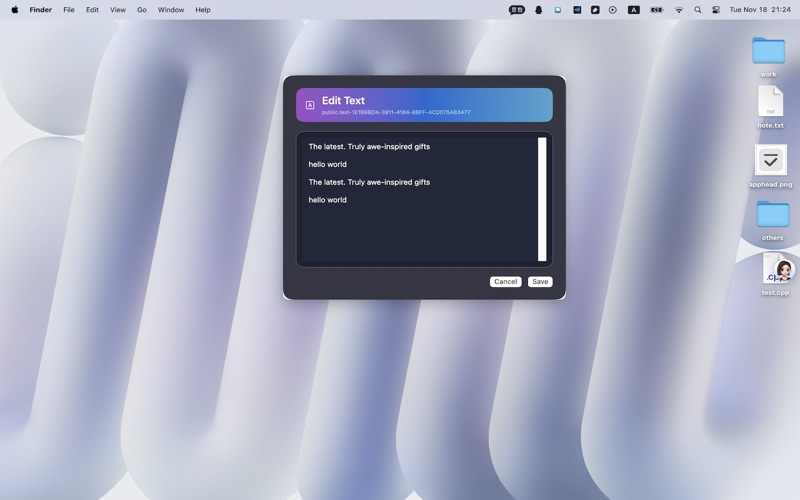
Double-click to open files or text using system-default apps
Supports multiple floating windows for organizing different sets of items
Always on Top:
The shelf stays above all other apps for quick access
Fully resizable and movable
Automatically remembers window position and size across launches
The global shortcut keys ctrl + option + upArrow switch between showing and hiding windows
Built-in Screenshot & Annotation Tools:
Take screenshots directly within the app
Add shapes such as rectangles and circles
Draw freely with the built-in brush
Perfect for highlighting, explaining, or capturing ideas
OCR Text Recognition:
Drag in an image to extract text instantly
Supports OCR for screenshots as well
Easily copy, edit, and reuse extracted content
Two Window Styles:
Classic Mode: clean and professional
Colorful Mode: bright and expressive
Switch styles with a single button to match your workspace aesthetic
Smart Auto-Show & Auto-Hide:
Shelf appears when your cursor approaches
Hides automatically when your cursor leaves
Stays out of the way while remaining always accessible