
iPhone Screenshots
Description
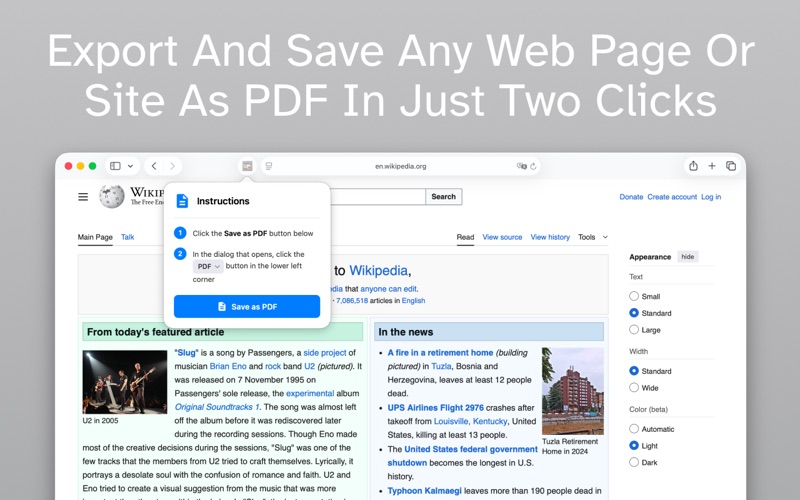
Save as PDF for Safari makes it effortless to convert any webpage into a PDF document directly from your browser. Whether you're researching online, shopping, or reading articles, capture content instantly for offline access, sharing, or archiving.
KEY FEATURES:
• One-tap PDF conversion from Safari
• Save articles, recipes, and web content offline
• Preserve complete page formatting and images
• Fast and lightweight Safari extension
• Works on both iPhone, iPad, and Mac
• No account or subscription required
• Privacy-focused: all processing happens locally
PERFECT FOR:
• Saving recipes to read while cooking
• Archiving important receipts and confirmations
• Creating offline reading collections
• Storing research and reference materials
• Sharing web content as PDF files
• Keeping travel itineraries and bookings
SIMPLE TO USE:
1. Tap the Safari extension icon while browsing
2. Your current page is instantly converted to PDF
3. Save, share, or print your PDF document
PRIVACY & SECURITY:
Your browsing data stays private. All PDF conversion happens entirely on your device—nothing is sent to external servers.
Whether you need to save a recipe for dinner, archive an important email confirmation, or create a collection of articles to read later, Save as PDF for Safari is the simple, fast solution you need.
Download now and start saving web pages as PDFs with a single tap!