
iPhone Screenshots


Description
OpenWith: Link Browser Picker – Instantly Choose Your Default Browser on macOS
OpenWith: Link Browser Picker transforms the way you open links on your Mac. Normally, links launch in your default browser—but with OpenWith, you can quickly pick the browser you want, every time.
Key Features:
• Menu Bar Convenience – Quick access from your menu bar.
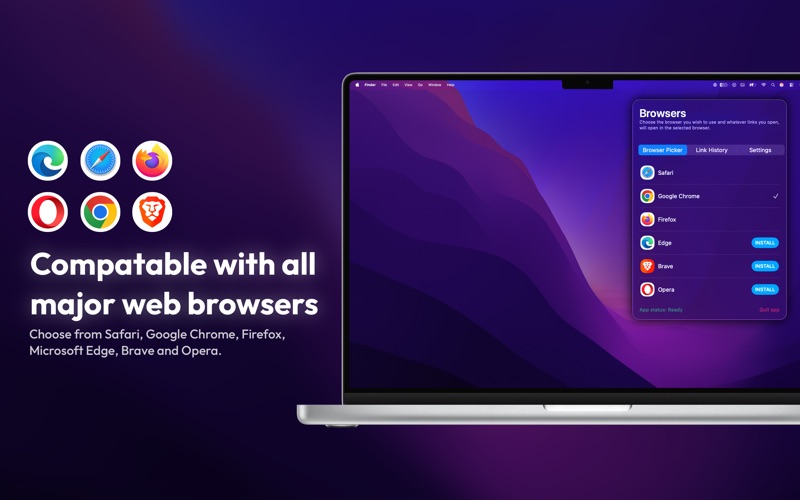
• Browser Selection Made Easy – Open links in Safari, Chrome, Firefox, Brave, Edge, Opera, or any other browser installed on your Mac.
• Fast & Effortless – Switch between browsers in seconds without opening additional apps.
• Completely Free – All features available with no hidden costs or subscriptions.
Whether you’re testing websites, managing multiple accounts, or just prefer different browsers for different tasks, OpenWith: Browser Picker makes it fast and effortless.
Disclaimer:
OpenWith: Browser Picker is an independent macOS app. It is not affiliated with, endorsed by, or connected to any web browsers including Google Chrome, Safari, Mozilla Firefox, Opera, Brave, or Microsoft Edge. All trademarks and logos are the property of their respective owners.
Download OpenWith: Browser Picker now and take full control of your browsing experience on macOS—fast, free, and simple.