
iPhone Screenshots

Description
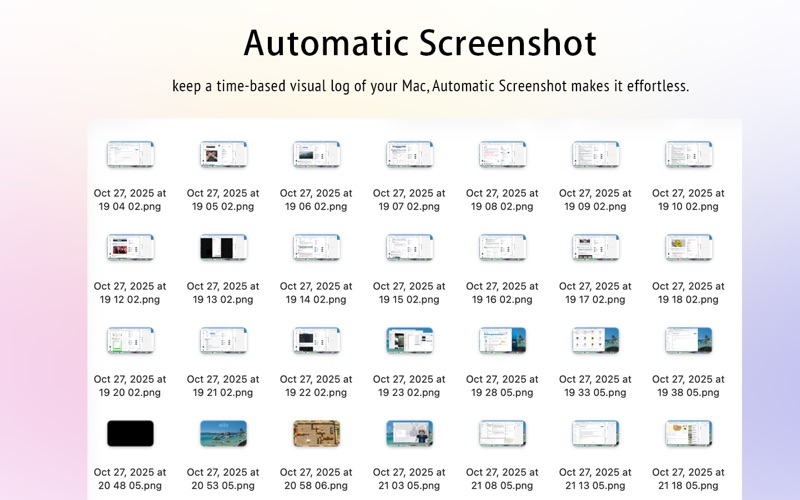
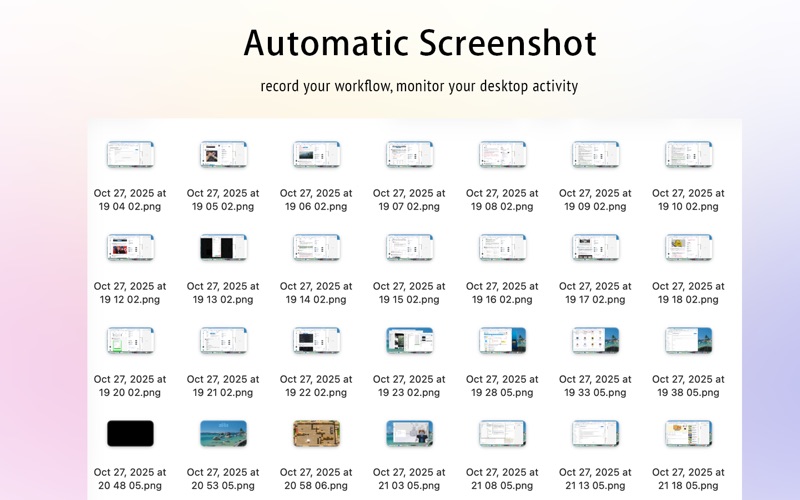
Automatic Screenshot is a lightweight yet powerful macOS utility that helps you automatically capture screenshots at regular intervals. Whether you want to record your workflow, monitor your desktop activity, or keep a time-based visual log of your Mac, Automatic Screenshot makes it effortless.
Simply set the capture interval, choose a destination folder, and let the app do the rest. Perfect for designers, developers, researchers, or anyone who needs to keep a visual record of their Mac usage over time.
Features
Customizable Intervals — Automatically capture your screen every 10s, 30s, 1min, 3min, 5min, 10min, 20min, 30min, 1h, 2h, or 3h.
Flexible Save Location — Choose or change the destination folder for your screenshots anytime.
Launch at Login — Optionally start the app automatically when your Mac boots up.
Lightweight & Efficient — Runs quietly in the background without affecting your performance.
Automatic Recording — Conveniently document your workflow or track progress over time.
Why You’ll Love It
Automatic Screenshot helps you stay organized, productive, and aware of how your time on Mac is spent. Whether you’re reviewing design changes, tracking project progress, or simply curious about your workflow, it’s the easiest way to have a visual timeline of your activities.
Support
For support, feedback, or feature requests, please contact:
[email protected]