
Folder Previewer Pro
Preview folders and archives instantly
Nikhil Anshuman
iPhone Screenshots


Description
Allows users to preview contents and ZIP archives directly in Finder’s Quick Look. View files and subfolders without opening or extracting. Display contents in a clean, organized layout.
Folder Previewer Pro lets you instantly preview the contents of any folder or archive (ZIP) directly in Finder’s Quick Look, without opening or extracting files.
Just select a folder or archive, press Spacebar, and view all its contents in a clean, organized layout.
-- Key Features
** Instant Folder Preview – See files and subfolders inside any folder directly from Finder.
** Archive Support – Preview ZIP archives without extraction.
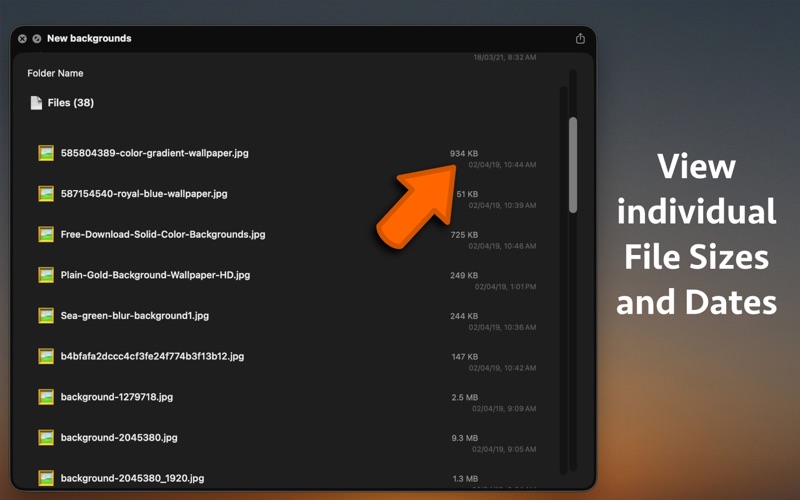
** Beautiful Quick Look Interface – Clear layout showing file names, sizes, and modification dates.
** Fast and Lightweight – Opens instantly and uses minimal system resources.
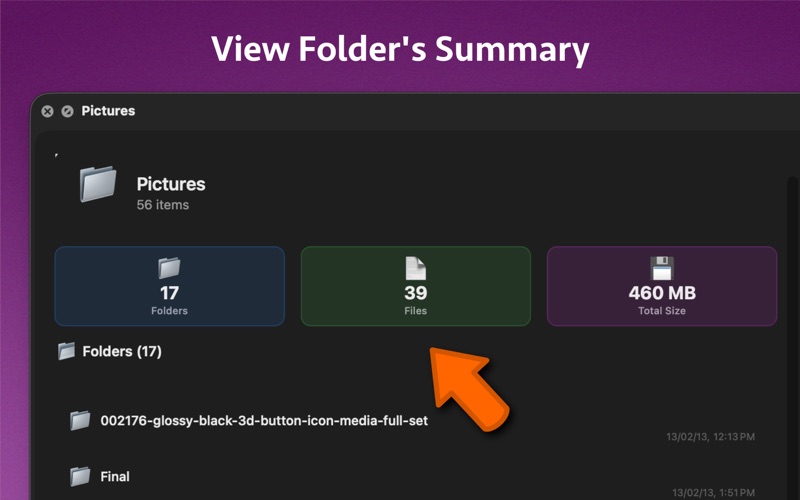
** Detailed File Info – View item count, total size, and folder statistics.
** Seamless Finder Integration – Works with Quick Look shortcuts (Spacebar or ⌘ + Y).
** Native macOS Design – Built using SwiftUI for smooth performance and a modern look.
-- How It Works
** Select a folder or archive in Finder.
** Press Spacebar or ⌘ + Y to open Quick Look.
** Instantly view its contents without unzipping or launching another app.
-- Supported File Types
** Folders (macOS directories)
** ZIP (.zip)
Ideal For
** Developers exploring project folders
** Designers browsing asset archives
** Students checking downloaded materials
** Anyone who wants to preview files faster without unzipping
-- Setup
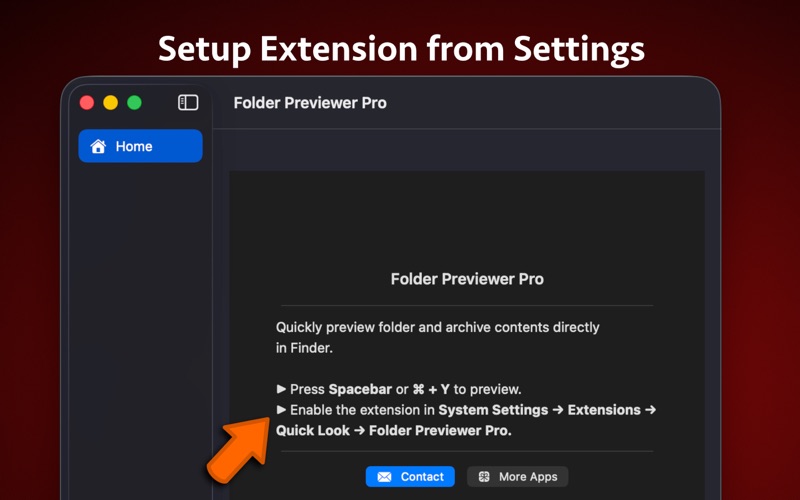
** Enable the Quick Look extension:
** System Settings → General → Login Items & Extensions → Folder Previewer Pro → Quick Look
Then simply press Spacebar on any folder or archive in Finder.