
iPhone Screenshots

Description
Never lose eye contact with your audience again.
PresenterEye provides a real-time preview of your external display right on your laptop screen. Whether you're presenting to a classroom, boardroom, or conference hall, you'll always know exactly what your audience sees—without turning around.
PERFECT FOR:
Presenters & Public Speakers
Teachers & Trainers
Live Streamers & Content Creators
Conference Speakers
Sales Professionals
Anyone using projectors or external monitors
KEY FEATURES:
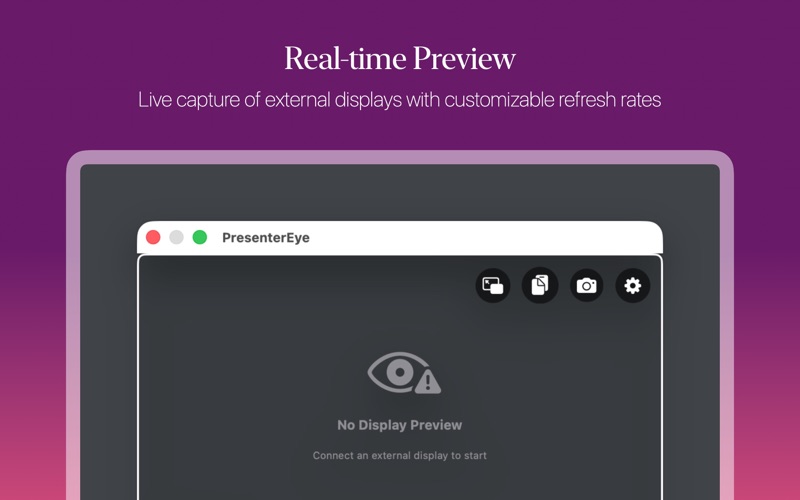
Real-Time Preview
Live capture of your external display with minimal lag
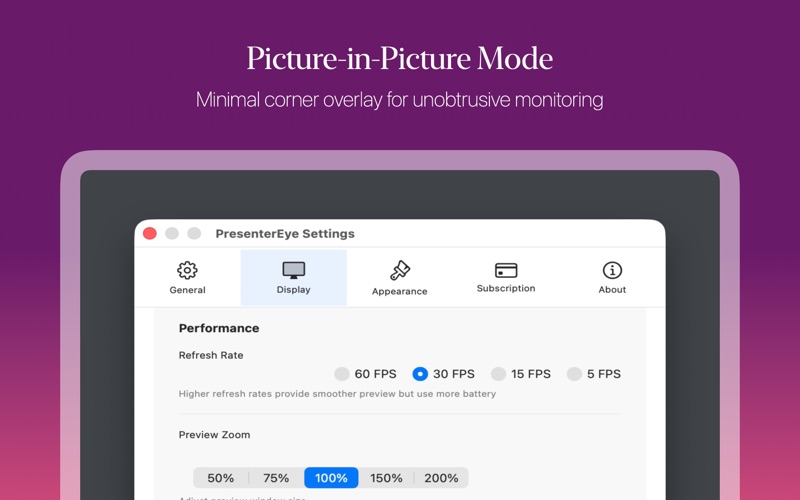
Adjustable refresh rates (5-60 FPS) for optimal performance
Support for multiple external displays
Automatic display detection
Flexible Window Controls
Resizable preview window with zoom (50%-200%)
Picture-in-Picture mode for minimal overlay
Always-on-top option for constant visibility
Adjustable opacity (20%-100%)
Smart click-through modes
Screenshot Capture
Instant screenshot to clipboard
Save screenshots to Desktop with timestamp
Quick capture without interrupting your presentation
Automatic Finder reveal
Customizable Appearance
Choose from multiple border colors
Adjustable border width
Custom opacity settings
Dark mode support
Performance Options
Multiple refresh rate presets
Battery-friendly lower refresh modes
Smooth 60 FPS for critical presentations
Minimal CPU usage
Smart Controls
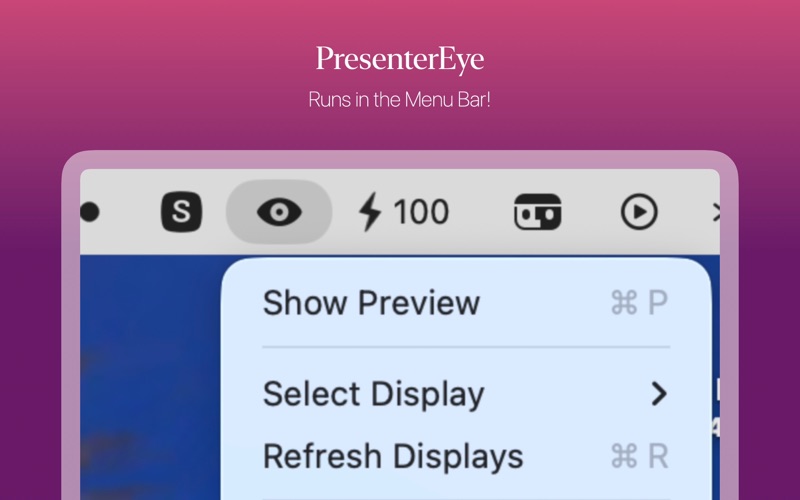
Menu bar icon for quick access
Global keyboard shortcuts (⌘⇧P to toggle)
Display selection from menu bar
Easy settings access
Picture-in-Picture
Compact corner preview mode
Four corner position options
Three size presets (Small, Medium, Large)
Always stays on top
Privacy & Permissions
Requires Screen Recording permission (system requirement)
All processing happens locally on your Mac
No data collection or cloud uploads
Your presentations stay private
PRICING:
7-day free trial with full features
One-time lifetime purchase option
Flexible subscription plans
All features included in every plan
SYSTEM REQUIREMENTS:
macOS 11.0 or later
Screen Recording permission
External display or projector
KEYBOARD SHORTCUTS:
⌘⇧P - Toggle Preview Window
⌘, - Open Settings
⌥ (Option) - Click-through toggle
Stop turning your back on your audience. Stay engaged, maintain eye contact, and deliver better presentations with PresenterEye.
Download now and start your free 7-day trial!
Terms of Use: https://www.apple.com/legal/internet-services/itunes/dev/stdeula/