
iPhone Screenshots




Description
FluxBar highlights
HUD controls: adjust width/height, corner radius, opacity and theme; flip or marquee modes to stage metric cards, weather and quotes.
HUD Dock module: switch masks, font size, spacing and rotation to keep the Dock layer flexible.
Status bar module: choose metric sets/order, auto-rotation interval, unified or per-item icons with status hints.
Dock scheme: customise Dock icon assets, rounding, backgrounds and GIF playback speed; configure the content and visuals of Dock metric layers.
Dock Metrics: set layer size, fonts, palette, rotation seconds and visible metrics independently.
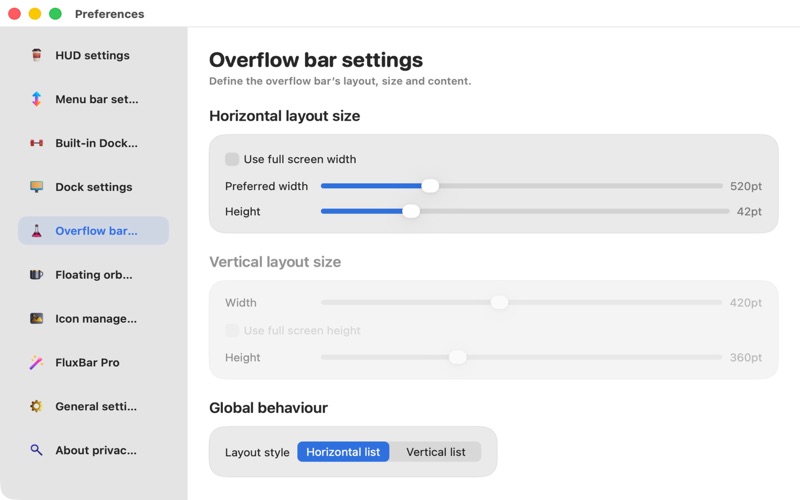
Overflow bar: tailor layout, size, opacity and contents, plus quick launchers linked to the status button.
Orb puck: define size, opacity, curvature, text/metric rotation, lock position and a dedicated icon.
Icon manager: import/manage static or animated assets with categories, tags, batch actions and one-click assignment to HUD/status/Dock/Orb.
Media & animation: built-in asset library, hide toggles, GIF/APNG/video first-frame parsing and AnimatedImageModel-driven smooth refresh.