
iPhone Screenshots



Description
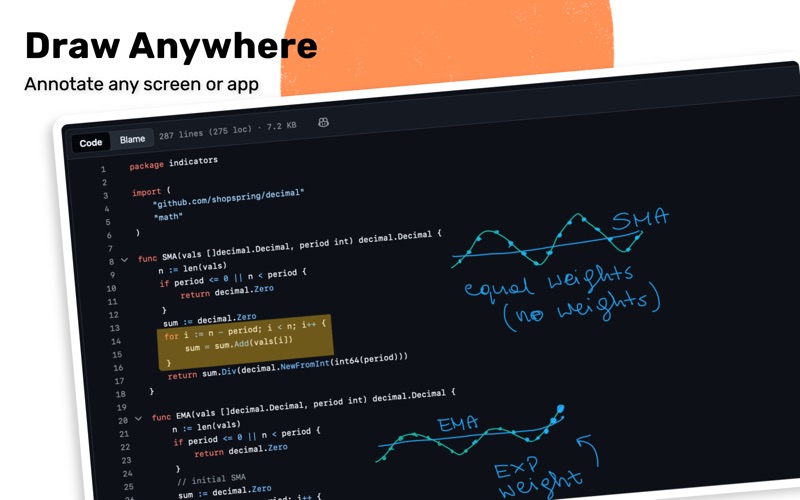
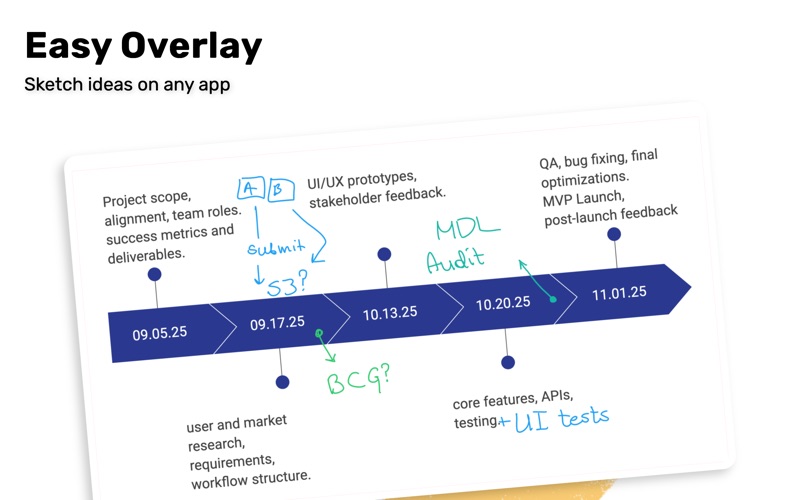
Annotate, explain and create anywhere on your screen.
Turn your Mac into a live annotation canvas. Whether you're presenting, pair programming, teaching, or sketching out ideas, this overlay gives you the freedom to draw, highlight, and explain, without leaving what’s on screen.
Features:
- Always ready canvas: Activate your canvas with two clicks or a single keyboard shortcut and start drawing over any app, window, or presentation. You can choose between a full-screen canvas and a mini-canvas.
- Simple and configurable toolkit: Choose from pens, highlighters, and shapes with adjustable opacity and size.
- Shapes: You can create lines, arrows, circles, and rectangles.
- Text support: You can create a Text Box with all the usual controls like size, font, and color.
- Mini Canvas: Switching to this mode makes the canvas shrink into a resizable and movable panel, so you can continue your work while still being able to draw and annotate seamlessly.
- Temporary canvases: For quick sketches, you have the option to clear the canvas automatically after each deactivation.
- Seamless Control: Right-click or use a keyboard shortcut to open a compact, elegant toolkit with all your brushes, shapes, and colors. When you want just the smallest functional toolkit, you can easily fold it down, so it takes up less space.
- Multiple screens: Each screen gets its own canvas - draw, clear, and export independently from other canvases.
- Laser pointer: For extra emphasis on your cursor, laser pointer mode leaves a small, fading trail behind your cursor.
- Blur the background: You can blur everything under the canvas for emphasis.
- Export: You can export to PNG manually via the toolkit, or enable automatic export after each deactivation.
Built for Creators and Communicators: Perfect for teachers, streamers, designers, engineers, and anyone who wants to make ideas visible in real time.
Bring your thoughts to life, one brush stroke at a time.