
iPhone Screenshots



Description
Working from home can feel isolating. You sit down to work, but there's no one
around to keep you on track. That's where Supes Club comes in.
Supes Club is a menu bar app for Mac that brings back the accountability of
working alongside others. See who's working in real time, start sessions
together, and stay motivated through shared progress.
SEE WHO'S WORKING RIGHT NOW
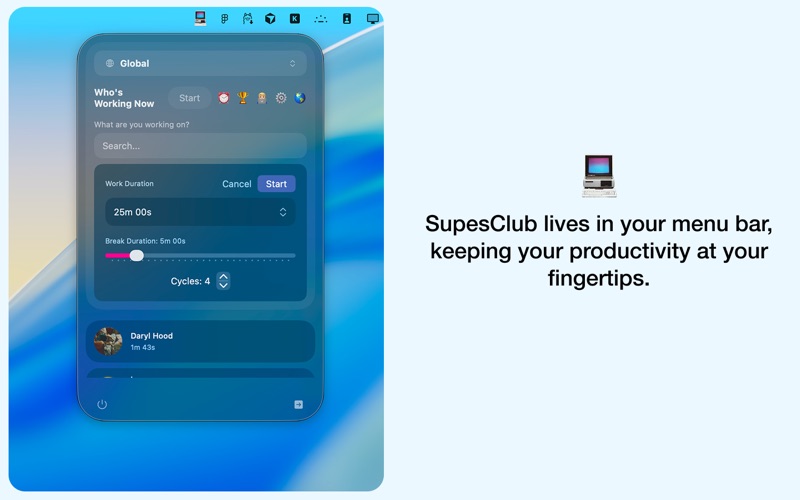
Open Supes Club from your menu bar to see which friends are online and what
they're working on. Not just green dots. You'll see their current task, how
long they've been working, and their focus level. It's like glancing around a
coworking space to see who's deep in work.
WORK TOGETHER IN SHARED SESSIONS
Join a friend's work session with one click. You'll both see each other's
timers running, activity levels updating, and progress in real time. When your
friend completes a pomodoro cycle, you'll get a notification. When you hit a
milestone, they'll see it too. It's mutual accountability without the
awkwardness of checking in.
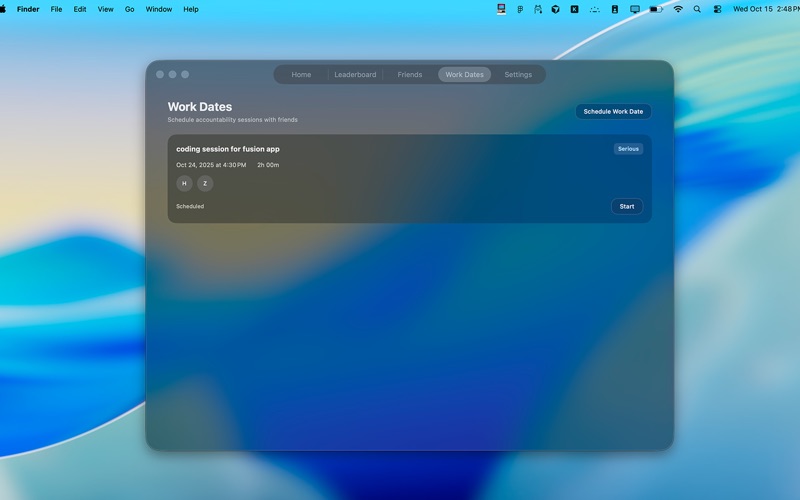
SCHEDULE WORK DATES
Plan ahead with work dates. Pick a time, invite friends, set a shared goal, and
choose your commitment level (Casual, Serious, or Locked In). Everyone gets
calendar invites and reminders. When it's time to start, you'll work together
in a live session.
TRACK YOUR PRODUCTIVITY
Every work session you complete shows up in your GitHub-style contribution
graph. Track streaks, see patterns in your work habits, and watch your total
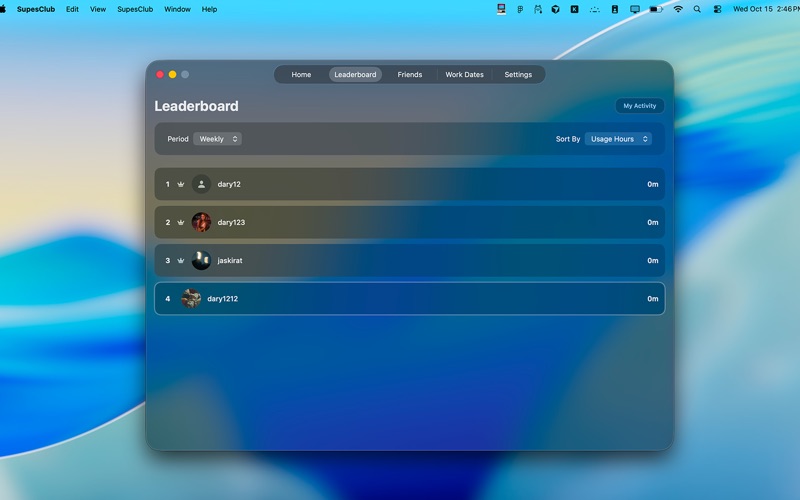
usage time grow. Optional leaderboards let you compare stats with friends if
you're into friendly competition.
POMODORO TIMER BUILT IN
Standard timers and pomodoro sessions both work seamlessly. Customize work and
break durations, set the number of cycles, and let the app handle transitions.
Notifications remind you when it's time to take a break or get back to work.
LOCATION SHARING (OPTIONAL)
Enable approximate location sharing to see where your friends are working.
Perfect for digital nomads or distributed teams who want to feel more
connected. Your exact location is never stored. This feature is completely
optional.
PRIVACY FIRST
Your data stays yours. We use approximate location only (when enabled), encrypt
everything in transit and at rest, and never sell your information to third
parties. You control what you share and who sees it.
DESIGNED FOR MAC
Supes Club lives in your menu bar, out of the way until you need it. Runs
smoothly in the background with minimal resource usage. Built natively with
SwiftUI for a fast, polished Mac experience.
WHAT YOU GET
• Real-time presence showing who's working now• Shared work sessions with live
progress tracking• Work date scheduling with calendar integration• Standard and
pomodoro timer modes• Activity level detection (idle, light, moderate, deep
focus)• Contribution graphs showing your work patterns• Daily and weekly
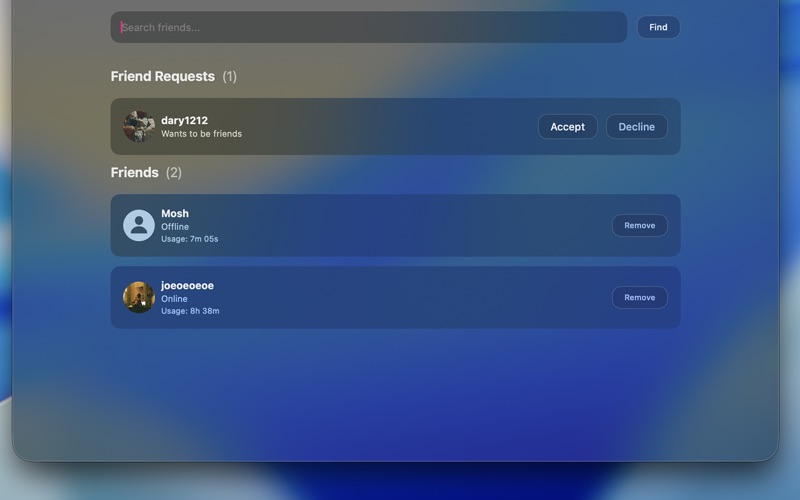
leaderboards (optional)• Smart notifications for friend activity• Friend system
with search and invites• Approximate location sharing (optional)• Dark mode
support• Menu bar convenience
WHO IT'S FOR
Remote workers who miss the energy of an office. Students grinding through
finals. Freelancers working alone. Distributed teams wanting ambient awareness.
Anyone who needs accountability to stay focused.
Requires macOS 14.5 or later.