
iPhone Screenshots


Description
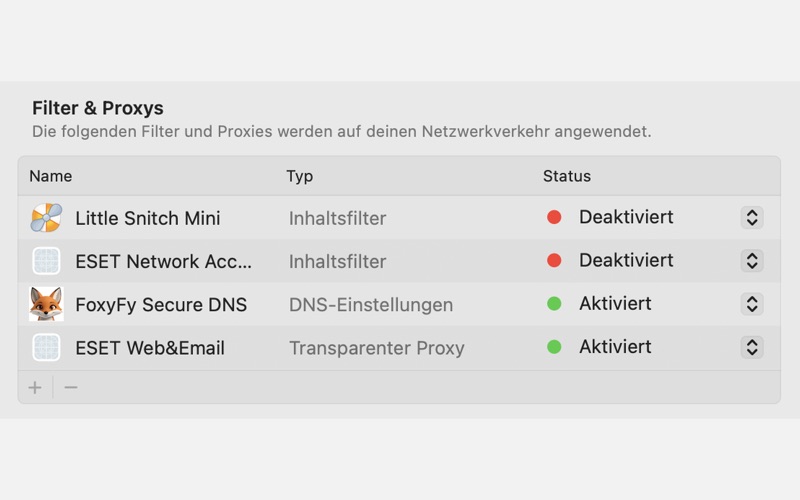
FoxyFy Encrypted DNS
Secure your macOS network with encrypted DNS over HTTPS — simple, fast, and privacy-focused.
With FoxyFy Secure DNS, your Mac no longer sends DNS requests in plain text. Instead, all lookups are routed securely over HTTPS to FoxyFy’s global DNS servers, protecting you from interception, tampering, and ISP snooping.
Key Features
One-time setup: Install or update the DNS profile directly from the app.
Encrypted DNS (DoH): All lookups are secured via HTTPS.
Global IP hints: Pre-configured worldwide endpoints ensure reliability and low latency.
Transparent control: Enable, disable, or remove the DNS profile anytime.
Verification tools: Quickly check status.
Why Encrypted DNS?
Traditional DNS queries are unencrypted, exposing your browsing history to networks, ISPs, or attackers. With FoxyFy Encrypted DNS, you gain stronger privacy and integrity for every lookup — system-wide, across all apps.