
iPhone Screenshots
Description
Snap2Text - Instant OCR for macOS
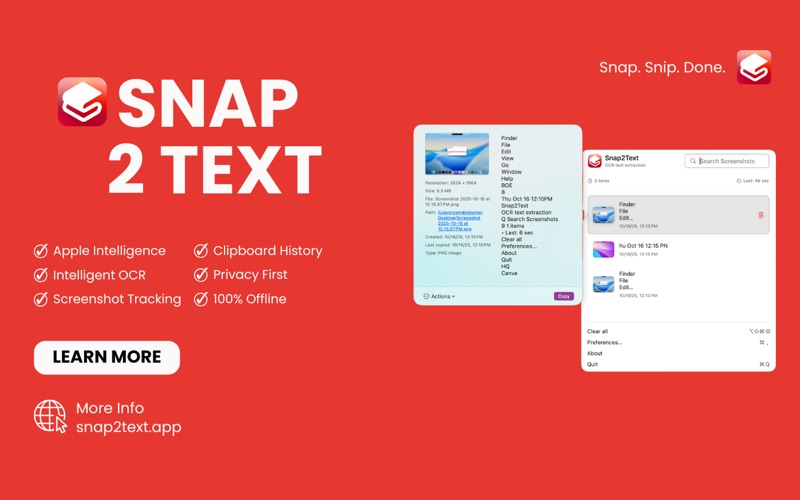
Transform any screenshot into editable text instantly with Snap2Text, the most reliable OCR app for macOS. Whether you're capturing text from documents, websites, or images, Snap2Text makes text extraction effortless and accurate.
Key Features:
Automatic Screenshot Monitoring - Seamlessly processes screenshots as you take them
Apple Vision Framework - Powered by Apple's advanced OCR technology for maximum accuracy
Smart Clipboard Integration - Extracted text automatically copied to your clipboard
Customizable Hotkeys - Set your own keyboard shortcuts for full-screen and region OCR
Searchable History - Find previously extracted text with powerful search functionality
Multiple Language Support - Works with text in dozens of languages
Privacy-First Design - All processing happens locally on your Mac
Perfect For:
Students digitizing handwritten notes and textbook pages
Professionals extracting text from PDFs and documents
Researchers collecting quotes and citations
Anyone who needs quick text extraction from images
How It Works:
Take a screenshot (or use our custom hotkeys)
Snap2Text automatically detects and processes the image
Text is extracted and copied to your clipboard
Access your extraction history anytime
Privacy & Security:
No internet connection required
All processing happens locally on your device
No data sent to external servers
Full sandbox compliance for maximum security
Pro Tips:
Use Cmd+Shift+S for full-screen OCR
Use Cmd+Shift+R for region selection OCR
Search your history to find previously extracted text
Customize settings to match your workflow
Transform your productivity today with Snap2Text - the smartest way to extract text from any image on your Mac.