
iPhone Screenshots


Description
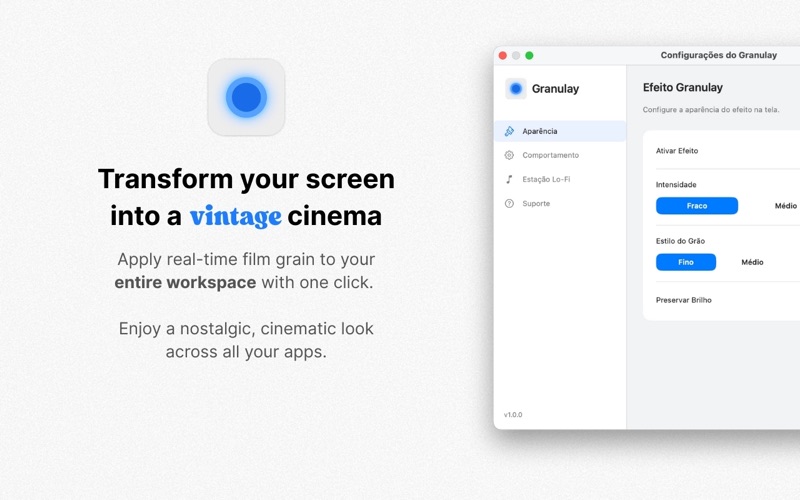
Granulay brings real-time vintage grain effect to your entire screen, creating a nostalgic and cinematic atmosphere in any application. With a discreet menu bar icon, you can enable/disable the effect with one click and adjust style and intensity with instant feedback.
Key features:
▫ Real-time grain effect applied as a transparent overlay, without interfering with interaction in other apps.
▫ Four grain styles: Fine, Medium, Coarse, and Vintage.
▫ Intensity control from 0.1 to 1.0 and option to preserve brightness.
▫ Support for multiple monitors, with independent settings.
▫ Integrated Lo-Fi music (4 stations) with Play/Pause/Stop, Previous/Next, and independent volume controls.
▫ Modern Settings window with live preview and automatic saving.
▫ Automatic updates.
▫ Languages: English and Brazilian Portuguese.
• Performance and reliability:
▫ Optimized for Apple Silicon and Intel, with acceleration via Metal and Core Image.
▫ Efficient CPU and memory usage, fast startup, and instant response when toggling the effect.
• Who is it for:
▫ Content creators, designers, and photographers seeking an analog aesthetic.
▫ Vintage visual enthusiasts and those looking to reduce eye strain with a smooth, organic grain.
• Privacy:
▫ Granulay does not collect personal data. Only anonymous technical metrics may be used for improvements.
• Requirements: macOS 13.0 or later.