
iPhone Screenshots


Description
PDF Editor is a professional, efficient, and user-friendly PDF editing and management tool designed specifically for Mac users. Whether you are handling study materials, work reports, contracts, or interactive forms, PDF Editor helps you manage all types of PDF documents with ease, making your work and study more productive and convenient.
Key Features:
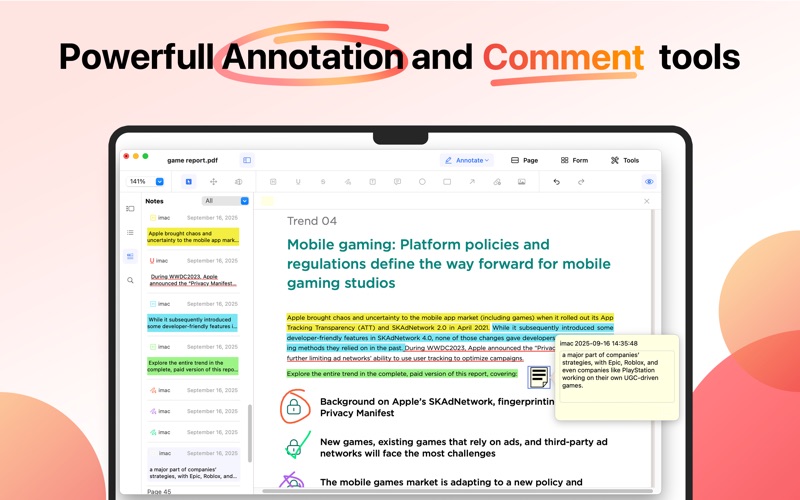
1. Comprehensive Annotation Tools
PDF Editor offers a wide range of annotation options, allowing you to freely mark up your documents:
• Highlight, underline, and strikethrough to quickly emphasize important information
• Draw and add text to express your ideas
• Add comments, shapes, and arrows to clearly communicate your thoughts and feedback
• Insert images to make your documents more engaging and visually appealing
2. One-Click Annotation Hiding
Need to view a clean document or print the original content? With a single click, hide all annotations to keep your pages tidy and professional for sharing or presenting.
3. Flexible Page Management
PDF Editor provides full control over your document pages:
• Insert, split, and rotate pages
• Copy, paste, and delete pages
• Quickly rearrange your document structure
Easily perform complex page operations without the need for additional tools.
4. Powerful Form Support
Create and edit interactive PDF forms with ease:
• Text fields, buttons, and list boxes
• Drop-down menus, radio buttons, and checkboxes
Perfect for creating surveys, filling contracts, or collecting information efficiently.
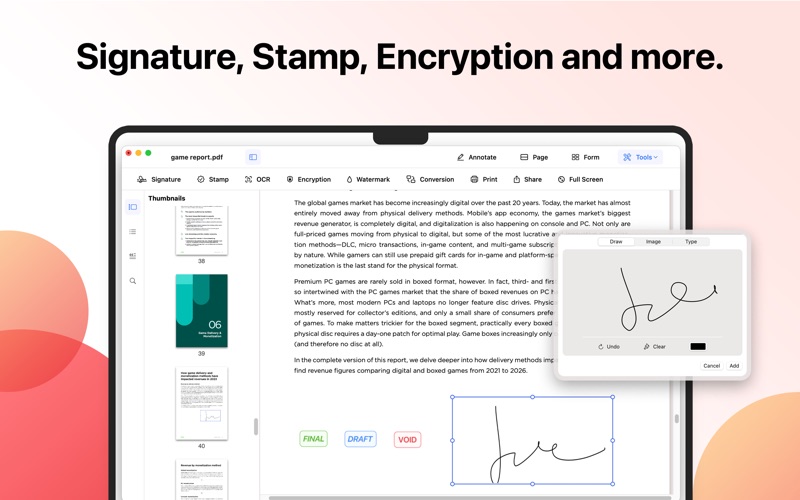
5. Intuitive Sidebar Thumbnails
Quickly browse through every page and easily understand your document structure. Drag and drop pages to reorder them, enhancing your workflow efficiency.
6. Flexible Viewing and Zoom Options
Supports multiple zoom levels and reading modes, allowing you to adjust your document view freely and enjoy a comfortable reading experience.
7. Smooth User Experience
PDF Editor features a clean, intuitive interface and smooth operation. With a low learning curve, even first-time users can quickly get started.
Whether you are a student, teacher, office worker, or professional, PDF Editor helps you efficiently manage and edit PDF documents, making reading, annotation, form filling, and document organization effortless and productive.