
iPhone Screenshots


Description
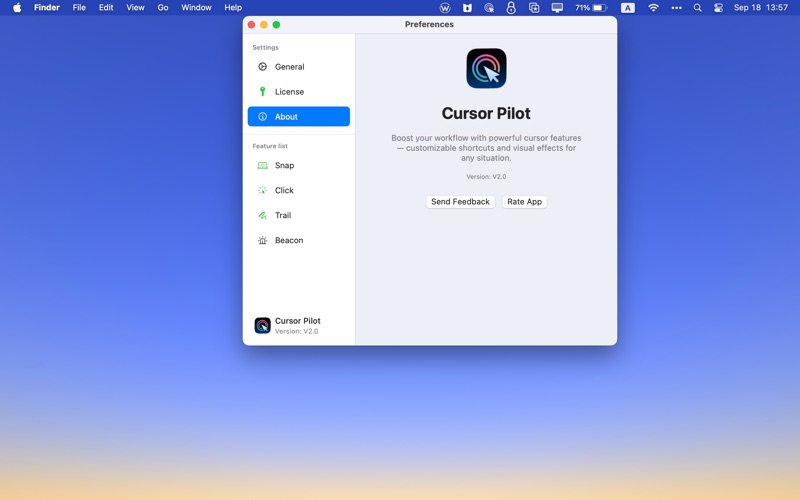
Cursor Pilot gives you total control of your cursor.
Snap between screens, highlight clicks, add trails, and keep it always visible — all with customizable shortcuts and stunning visual effects.
FOUR POWERFUL FEATURES
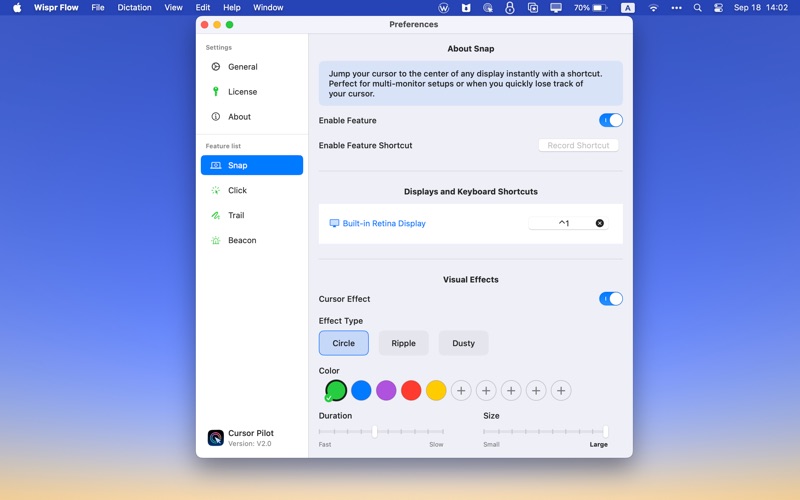
-- SNAP --
Instantly move your cursor to the center of any display with a simple shortcut.
• Best for: multi-monitor setups and quick screen switching
• Strength: faster than dragging across screens — saves time every day
-- CLICK --
Show a visual effect whenever you click the mouse.
• Best for: tutorials, screen recording, and audience engagement
• Strength: customize left and right clicks separately, so every action is clear and visible
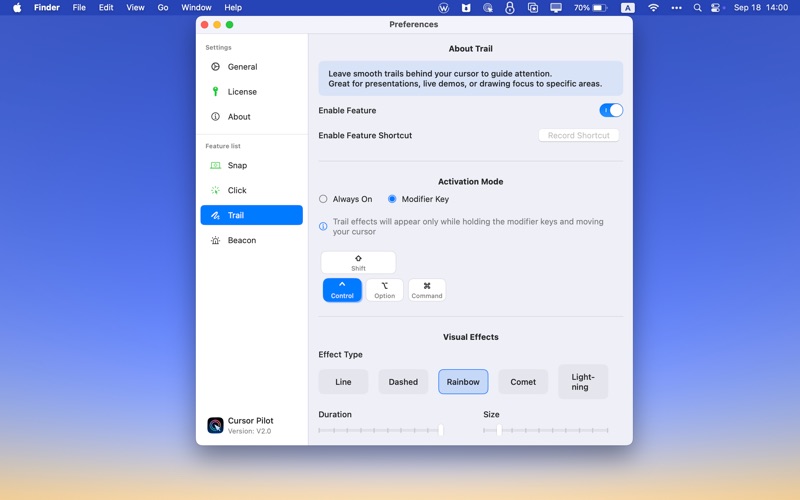
-- TRAIL --
Add a beautiful visual trail that follows your cursor.
• Best for: presentations and guiding attention during live demos
• Strength: choose whether the trail shows all the time or only when holding modifier keys, for full control
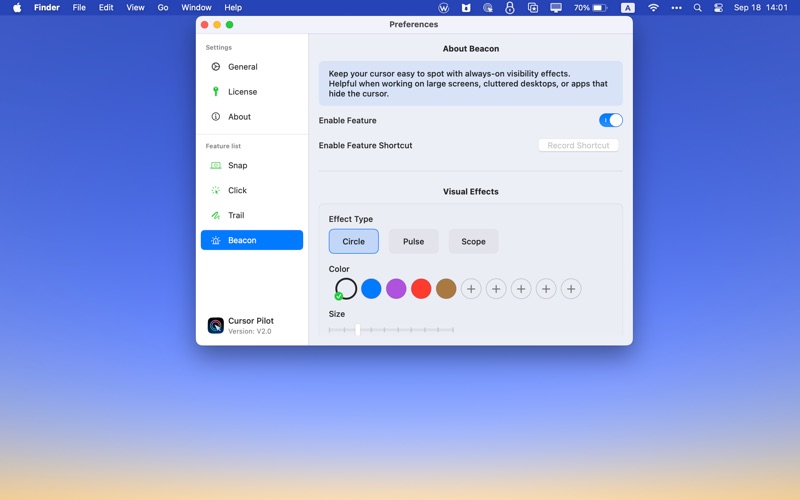
-- BEACON --
Keep your cursor visible with a highlight or spotlight effect.
• Best for: large displays, apps that hide the cursor, or when you often lose track of it
• Strength: customizable effects ensure visibility without distraction
More features are on the way — Cursor Pilot will continue to grow with every update.
CUSTOMIZATION AND FLEXIBILITY
• Assign global shortcuts to trigger features instantly
• Choose from multiple visual styles for each effect
• Works seamlessly across multiple monitors
USE CASES
• Productivity: Jump between monitors instantly, no wasted motion
• Teaching & Presenting: Make sure everyone can see what you’re pointing at
• Accessibility: Keep track of the cursor on ultra-wide or high-resolution displays
TRIAL AND PURCHASE
• Free 7-day trial with all features unlocked
• After trial, purchase a one-time lifetime unlock to continue using everything
• No subscriptions, no hidden costs
INDEPENDENTLY DEVELOPED
Cursor Pilot is built by a solo developer who cares about details. Your support and feedback make this app better with every update — thank you!