
iPhone Screenshots



Description
Hoot – Smart Menu Bar Companion
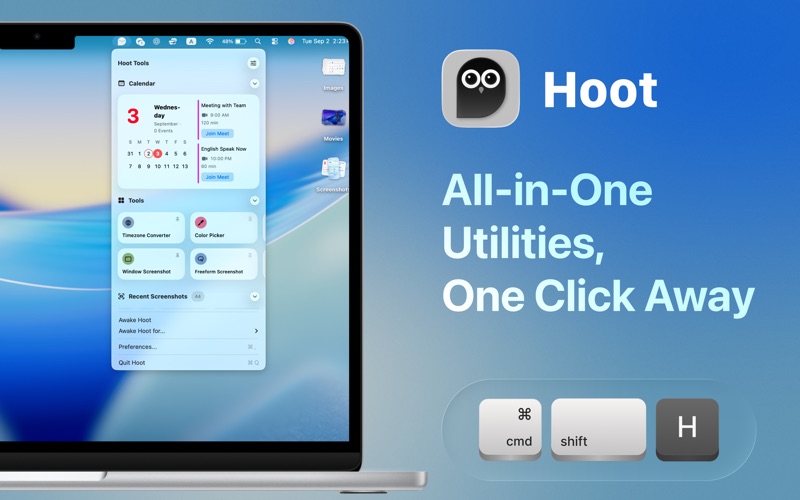
Hoot keeps your Mac’s menu bar organized, powerful, and ready to help you get things done. With widgets, handy tools, and quick screenshot access, everything you need is just a click away
Three Sections, Endless Convenience
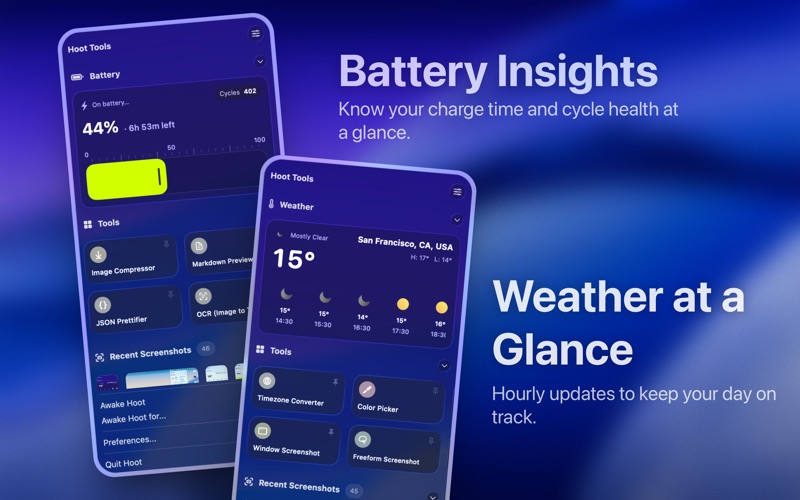
1. Widgets
Stay on top of your day with essential widgets right in your menu bar. Monitor battery, check the weather, track calendar events, view system info, and more.
2. Tools
Boost your productivity with a set of practical utilities, including:
• Palette Generator and Color Picker
• Screen Recording and Screenshot options (window or freeform)
• Video and Image Compressors
• QR Generator
• Markdown Previewer
• OCR (Image to Text)
• JSON Prettifier
• Timezone Converter
…and more, always within reach.
3. Recent Screenshots
No more digging through Finder. Access and manage your latest screenshots directly from the menu bar.
Why Hoot
• Combines widgets, tools, and screenshots into one smart companion
• Saves time with instant access to everyday essentials
• Lightweight, efficient, and designed to stay out of the way
Make your menu bar work smarter with Hoot.