
iPhone Screenshots




Description
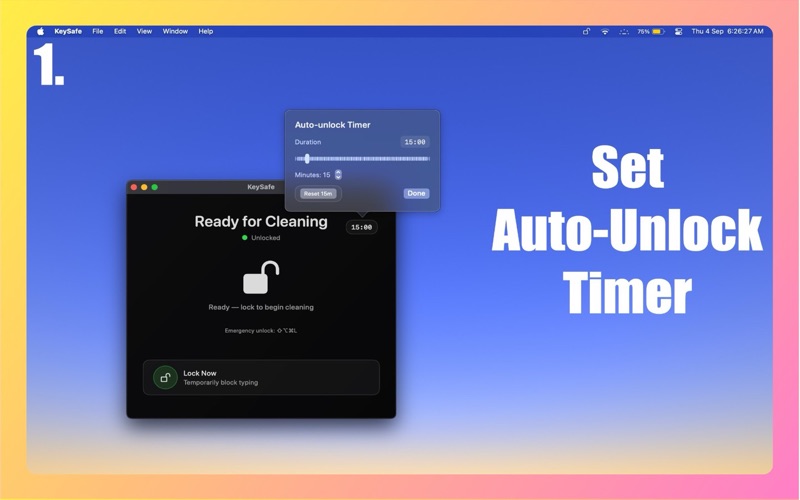
Stop accidental typing instantly. KeySafe locks your keyboard so you can clean, present, or step away without random key presses.
Why KeySafe?
Lock keyboard, keep mouse and trackpad active
One-tap lock/unlock from the menu bar
Global failsafe hotkey (customizable)
Lightweight utility with minimal CPU usage
Privacy first: requires Accessibility permission only. No data leaves your computer
Perfect for:
Cleaning your laptop keyboard safely
Presentations and screen sharing
Preventing pets or kids from typing
Quick breaks when you need do-not-type mode
Stay in control with KeySafe — the simplest way to disable your keyboard safely.