
iPhone Screenshots
Description
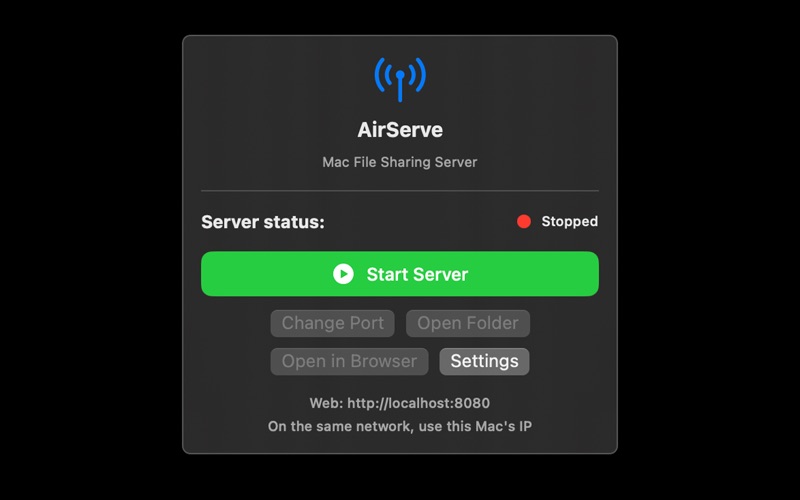
All you have to do is open your browser and it starts. AirServe runs a web file server to easily handle uploads, downloads, renaming, deletion, folder creation and decompression across the same network (or external to port forwarding configuration).
Why AirServe is good
Use as soon as you install: Just select the shared folder and start—No need for separate client apps.
Browser First: Works with Safari/Chrome/Edge/Firefox.
Easy security: Control per-account permissions with Basic Auth and permission templates (upload/folder creation/renaming/delete).
Operational visibility: Check requests/events in real time with the log viewer, and quickly diagnose problems.
Key Features
1) Built-in Web File Server
Drag and drop/file selection upload, multi-file support
download, rename, delete, create folder
Compressed file decompression support uploaded
Show errors and conditions clearly in the Web UI with standard JSON responses
2) Log Viewer
Live Server Behavior Logs in App **Settings**
Filter/search support, enable automatic refresh at Premium
3) Security/Account Management
Basic Auth login request ON/OFF
option to hide membership area
Account creation & permission templates: Segment per-account permissions for uploading, folder creation, renaming, and deletion
4) Server Settings
Port check/change (changeable when server stops)
Share quickly with internal access address display
Provides an external connection (port forwarding) guide
Data Initialization: Upload File/Account/Setup/Port Initialization
Terms of Use: https://sites.google.com/view/paid-application-terms-of-use/%ED%99%88
Privacy Policy: https://sites.google.com/view/app0private/%ED%99%88
Contact Email: [email protected]