
iPhone Screenshots





Description
Created through a unique blend of human vision, advanced coding techniques using AI, and modern development tools, NetSpeedoMeter brings a minimal yet powerful way to monitor your network speed and data usage - right where it matters most: your Mac’s Menu Bar !
With an elegant design and smart features, it keeps you informed without distractions, so you can focus on what truly matters.
> About the Developer
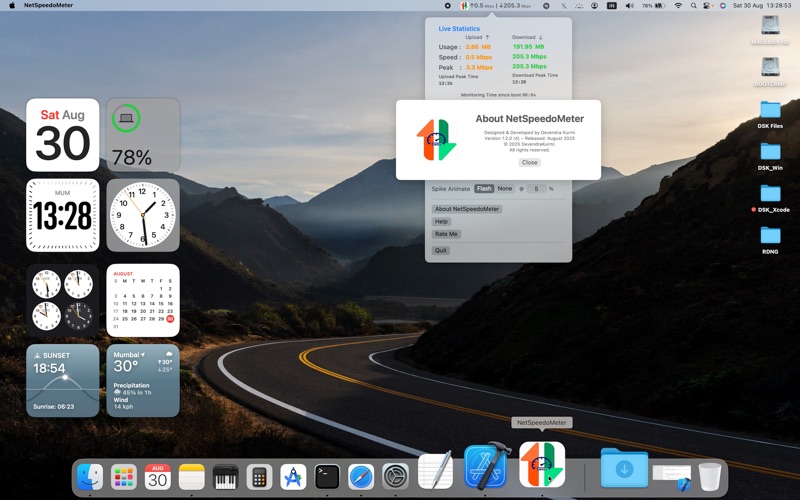
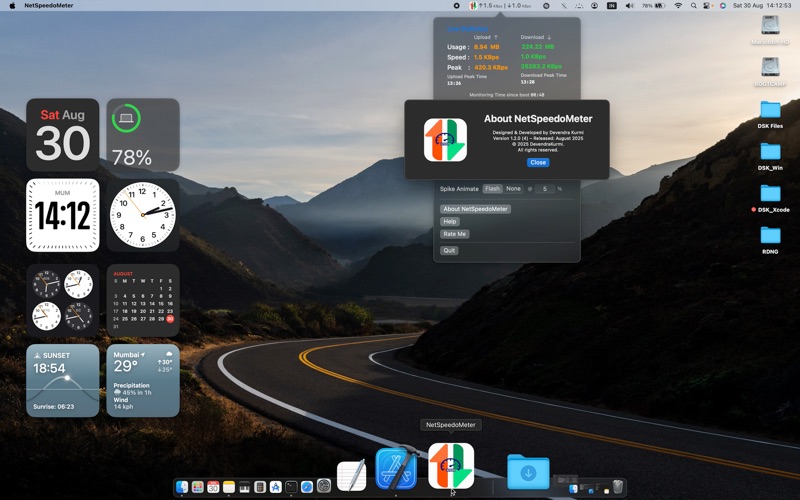
Hi, I'm Devendra Kurmi, an independent or indie app developer and publisher from India.
This is my first app, developed single-handedly by combining AI-assisted coding with my functional expertise bringing a clear, simple, and intuitive user experience.
NetSpeedoMeter was born out of personal need for a clean, real-time view of internet speeds in the menu bar.
I believe software should be respectful of user privacy, efficient in performance, and delightful to use.
No bloat, no tracking - just helpful tools made with care.
If you find NetSpeedoMeter useful, I’d truly appreciate your support, feedback, or rating on the App Store.
Thank you for trying my work - I personally read every message, so please use the “Rate Me” option on the App Store.
Features You'll Love :
> Privacy First with No analytics, no ads, and no tracking - running 100% locally and collects no personal data.
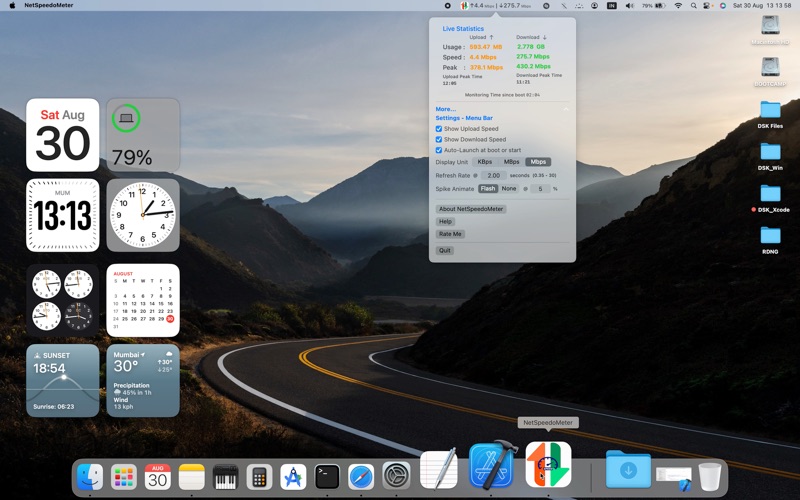
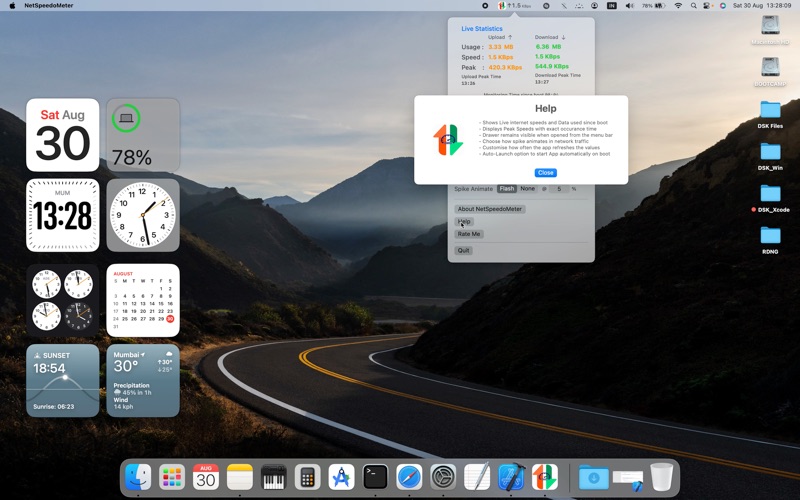
> Live Upload & Download internet speeds, data usage since boot time, peak value with time.
> Customisable display of Upload, Download, or both and display speeds in KBps, MBps, or Mbps.
> Spike Animation for subtle visual alerts for sudden spikes in network activity
> Configurable Refresh Rate with user setting the interval from 0.35 to 30 seconds.
> Auto-Launch at system boot option selection
> Lightweight as it runs efficiently with minimal CPU usage.
> Compatible with Intel and Apple Silicon Macs.