
iPhone Screenshots
Description
Create Your Signature. Sign Any PDF. Done in Seconds.
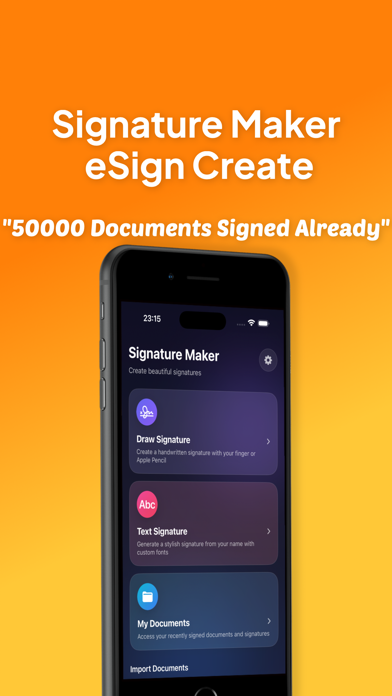
Elegant, fast, and private – Signature Maker is the easiest way to draw your signature and add it to any PDF document on your iPhone.
Key Features:
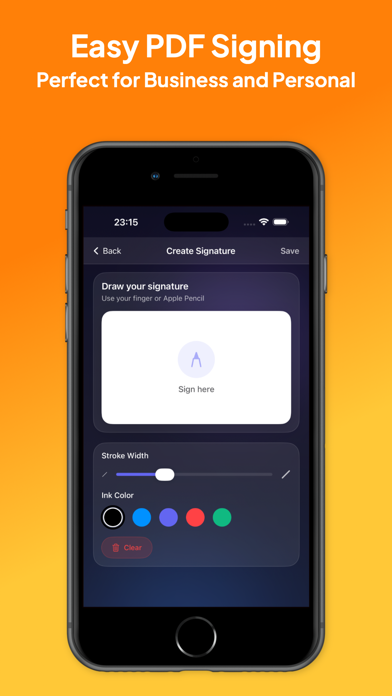
Draw Your Signature
Use your finger or Apple Pencil to draw a smooth, natural signature. Customize with color and thickness.
Add Signature to Any PDF
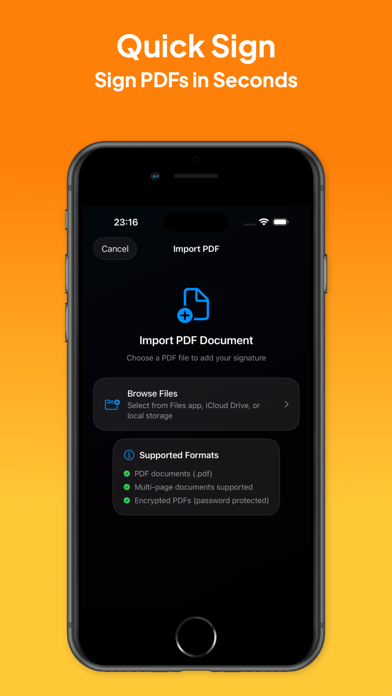
Import PDFs from Files, Mail, or any app. Drag your signature anywhere on the page. Resize, rotate, and place it precisely.
Export Signed PDFs
Save or share your signed document instantly. Compatible with all major apps and cloud services.
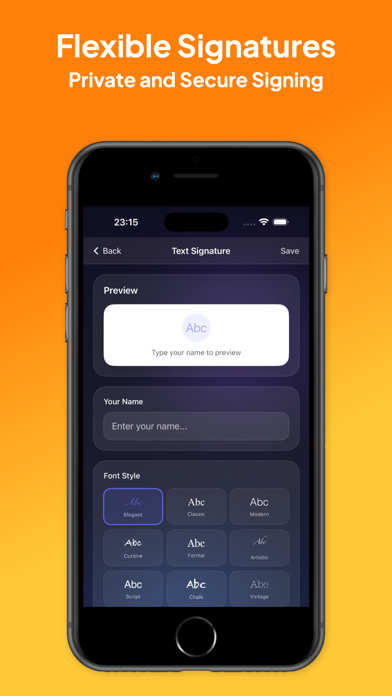
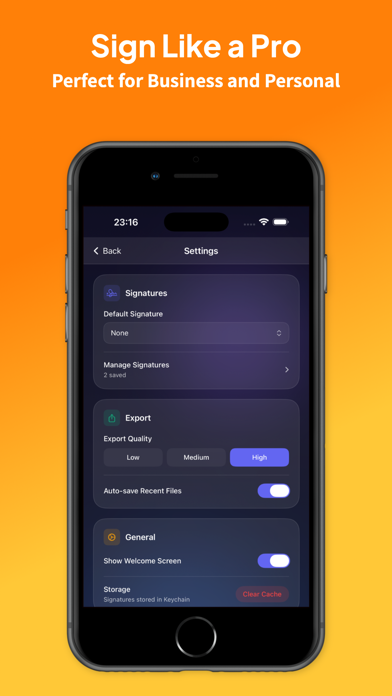
Multiple Signatures Support
Need different signatures for work or personal use? Save and manage multiple signatures with ease.
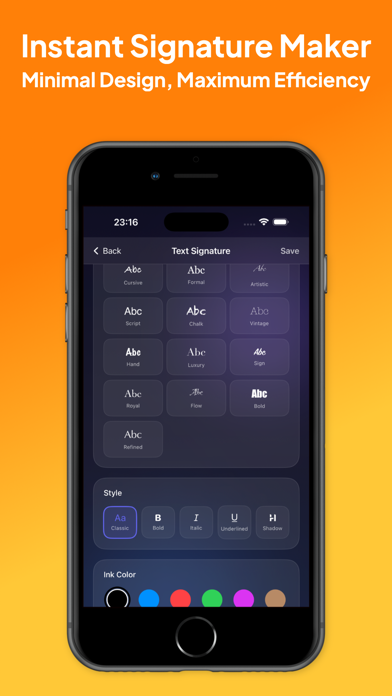
Elegant Design
Enjoy a stunning user interface inspired by modern iOS aesthetics — clean, translucent, and fluid.
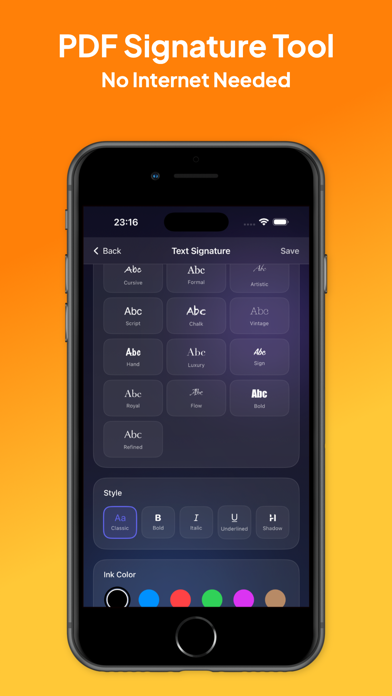
Works Offline. 100% Private.
All documents and signatures stay on your device. No internet connection required. No tracking.
Who Is This App For?
Business professionals signing contracts
Students submitting assignment approvals
Freelancers needing quick e-signatures
Anyone tired of printing, signing, and scanning
Why Signature Maker?
Unlike bulky document apps, Signature Maker is laser-focused on just one thing — signing PDFs, beautifully and effortlessly. No clutter. No distractions. Just your signature, where you want it.
Start signing smarter today.
Download Signature Maker and turn your iPhone into your personal signing tool.
Subscription Information:
Signature Maker requires a subscription to create spending lists and bills. Weekly and yearly options are available. Subscriptions automatically renew and can be canceled anytime.
https://www.apple.com/legal/internet-services/itunes/dev/stdeula/