
iPhone Screenshots


Description
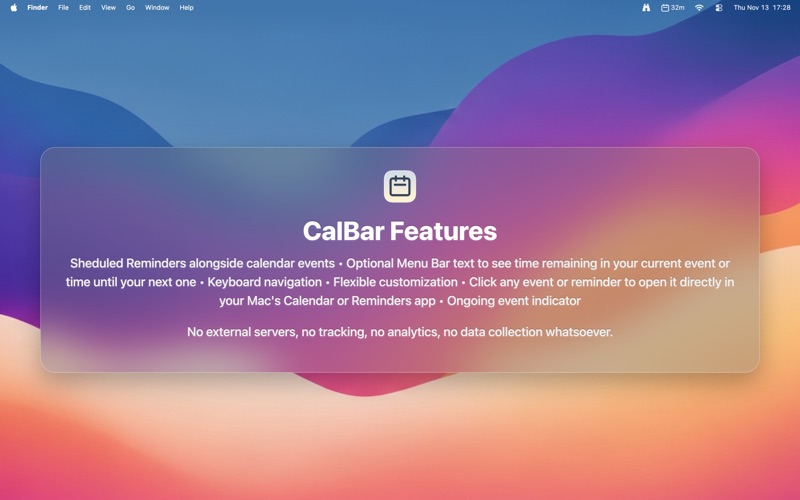
CalBar puts your calendar events in the menu bar. It connects to your Calendar app via EventKit — whatever calendars you have synced there show up automatically.
QUICK ACTIONS THAT SAVE TIME
Each event has quick buttons to open meeting links (Zoom, Google Meet, Teams, and more) or create notes in Apple Notes with event details pre-filled. Hold Option (⌥) to see your whole week at a glance. Press ⌘F to search events and reminders. Click an event to open it in the Calendar or Reminders app.
EVENT TIMING
Optionally see event timing in your Menu Bar: time remaining during events (15m, 1h 30m) or time until your next event (→ 45m). Smart back-to-back detection keeps you on schedule.
CUSTOMIZATION
You can choose which features you want to use: Launch at login and toggle button visibility, reminders, locations, and menu bar timing.
NAVIGATION
Navigate with keyboard shortcuts for the next or previous day, search, and the weekly view, etc.
CALENDAR FILTERING
You can choose exactly which calendars to show or hide.
PRIVACY FIRST
Everything happens on your Mac. CalBar doesn't send your data anywhere. No data collection or tracking.
CREATE CALENDAR EVENTS AND REMINDERS WITH NATURAL LANGUAGE
Type "lunch with Sarah tomorrow at 1pm" or "remind me tomorrow to buy milk" and CalBar creates a calendar event or reminder automatically. (Requires macOS Tahoe)
One-time purchase, no subscription.
Questions or suggestions? [email protected]