
iPhone Screenshots


Description
Tired of generic timers that don't fit your unique workflow? Take complete control of your productivity with Study Clock, the simple yet powerful session planner designed exclusively for your Mac.
Don't just start a timer—build a session. Study Clock lets you create a completely custom sequence of focused work and refreshing breaks. Plan your entire workflow, block by block, to match exactly how you want to study, work, and rest.
Key Features:
Build Custom Workflows
Add, name, and set durations for unlimited study and break sessions. Your first study block is always locked in, providing a solid foundation for your work, while you can customize everything that follows.
Focused Timer View
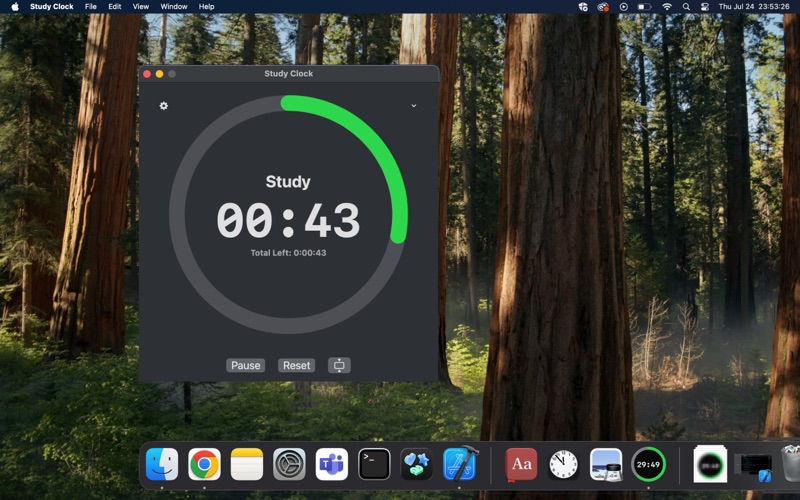
The clean and clear interface shows your current task, the time remaining, and your total session progress at a glance. Minimal distractions, maximum focus.
Compact Widget Mode
Switch to a sleek, circular timer that floats above your other windows. It’s perfect for keeping an eye on the time without cluttering your screen.
Smart Notifications
Get automatic alerts right when it's time to start a break, when it's time to get back to work, and when you've successfully completed your entire session.
Always on Top
A simple toggle in the settings menu keeps your timer visible no matter what application you're working in.
Perfect for students, developers, writers, and anyone looking to implement structured time management techniques. Stop just watching the clock—start building your focus.
Download Study Clock today and create a better way to work!