
iPhone Screenshots
Description
Picz Flip transforms your landscape renders into portrait masterpieces!
Landscape artwork looks great on desktops, but mobile phones aren't optimized for it. That's where Picz Flip comes in.
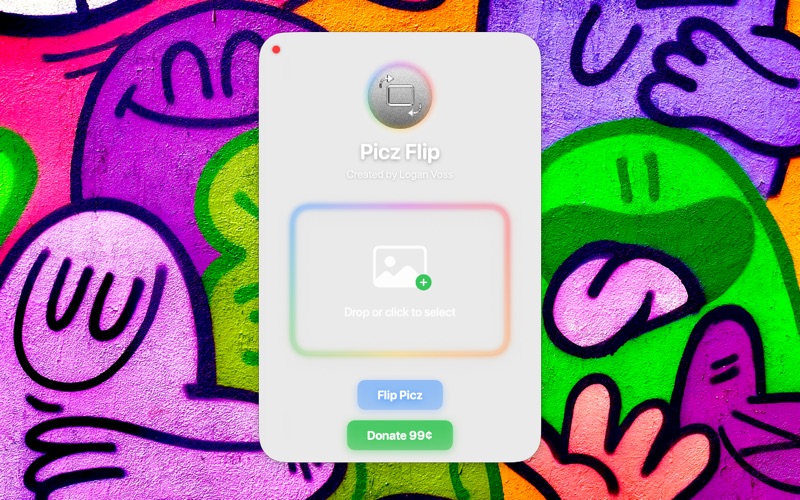
Picz Flip is a simple app that helps you bulk convert landscape images into portrait - it rotates your original graphics clockwise 90 degrees, and preserves image quality/data.
This tool is great for 3D artists - when you create a group of pieces that can be viewed from any angle, it helps to have a way to bulk convert their orientation quickly. This can be accomplished manually, but this tool streamlines the process.
To use Picz Flip, simply select the graphics you'd like to rotate, and drag them into the app. Create an output folder, and boom! Your images are rotated.
Original images are preserved - new images are saved in the specified location!
Social platforms optimize for portrait content - use Picz Flip to convert your graphics and share more with the world!
This tool works with multiple files. We've tested it up to 555 graphics at once! Be patient - the process takes a few minutes to complete (with extreme counts), but it will be successful.
Disclaimer: Picz Flip primarily supports .jpg and .png files, since these are the most common file types for designers. Other file types might work, but it is suggested to use graphics in the supported formats to ensure quality preservation and app compatibility.