
iPhone Screenshots




Description
PromptAudio is a tiny lab for learning with sound.
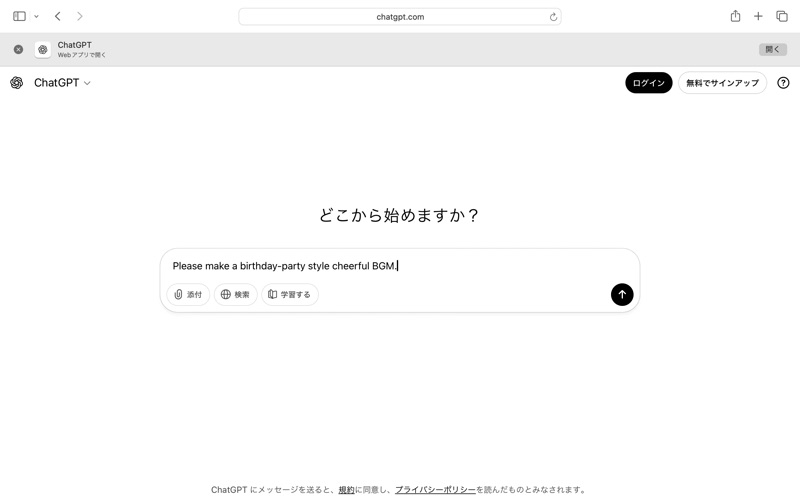
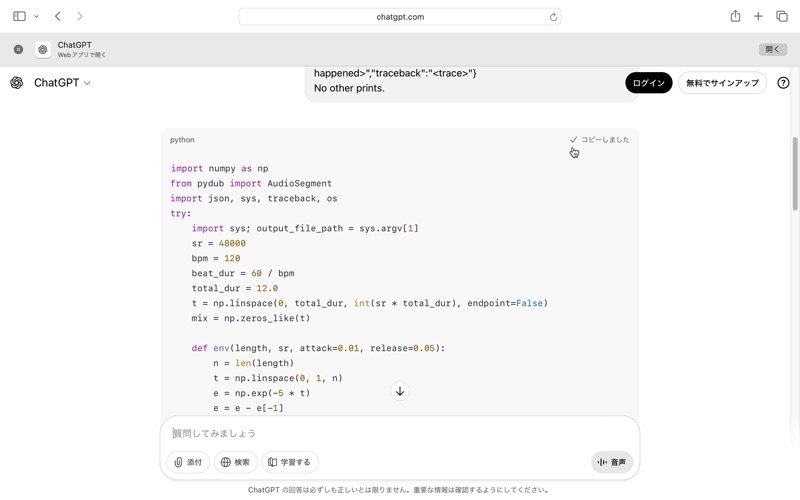
Write a short idea (a “prompt”), the AI makes Python code, and the app turns it into audio. Change one line, press Make, then Play to listen again. Simple, safe, and fun for beginners, kids, and seniors.
Try this first
Type an idea: “happy ukulele loop, 12 seconds”
Press Make to create the sound from the code
Edit a number and press Make again
Press Play to hear it again
Save as .wav when you like it
Make your own prompt
Read the app’s Extra technical instructions
Tell the AI the sound you want
Ask it to output Python code that follows the rules below
Paste the code into the app and press Make, then Play
What you can do
Turn prompts into real sounds
Learn basic Python by listening to your changes
Practice prompt engineering: clearer prompts → better music
Keep your favorites as .wav
How it works
Describe the music or sound you want
Add the app’s extra instructions to your prompt
Paste the Python code into the app
Press Make to build the sound, Play to listen
Script rules (simple)
Built-in libraries only (no internet)
Write the final audio to the path the app provides
Keep scripts short so they run fast
Free vs Pro
Free: Make & Play
Pro (one-time purchase): Save / Reveal features
Privacy
Works offline. No sign-in. No microphone or network access.