
iPhone Screenshots



Description
When you write code to develop an iPhone app or a desktop application, you really need a plain text editor such that you can quickly edit lines of code. I used to use TextEdit to edit code. But that was a decade ago. TextJungler 2 is one of those plain text editors that let you change the text color, text size, font family, font typeface, background quickly with a drop-down menu.
- Features -
1. Select a text color of your choice with a drop-down menu.
2. Select a text size of your choice with a drop-down menu.
3. Select a background coolor of your choice with a drop-down menu.
4. Select a font family of your choice with a drop-down menu.
5. Select a font typeface of your choice with a drop-down menu.
6. Get quick access to special characters with a drop-down menu.
7. Get quick access to emojis with a drop-down menu.
8. Get access to saved short lines of text with a drop-down menu.
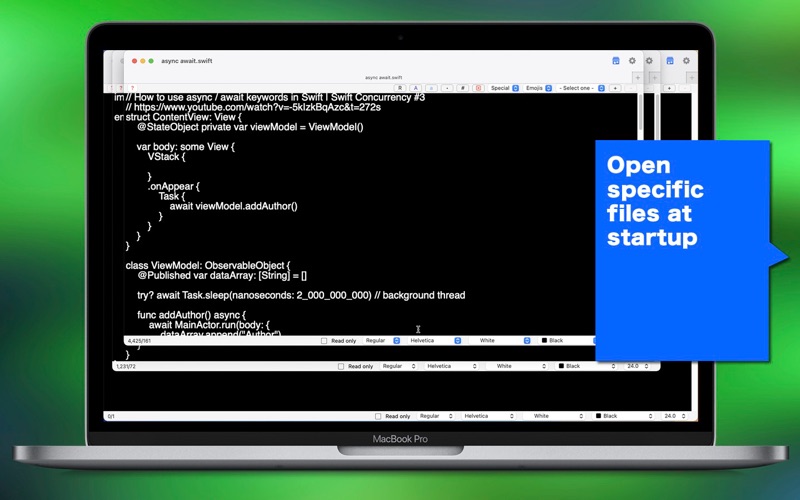
9. Open specific files at startup.
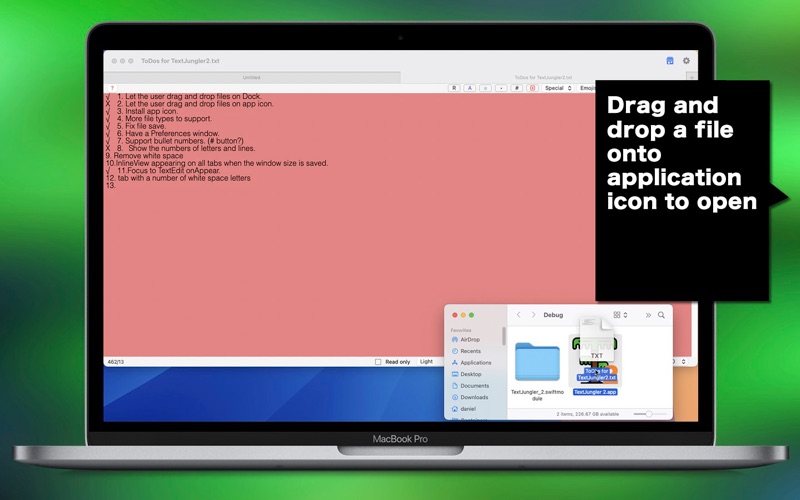
10.Drag and drop a file (.txt, .swift, .html…) onto application’s icon to open.
11.Generate a random text string with a click of a button.
12.Languages: English only.
13.Application file size: 5.6 MB.
- System requirements -
1. macOS 15.0 (Universal) or higher with an Intel chip or an Apple chip (M1, M2, M3, M4)
- Limitations -
1. The application will show a 15-second progress wheel when the user opens a new window or tab without an Unlimited in-app purchase.