
iPhone Screenshots


Description
Fast Sync helps you effortlessly keep your important files and folders synchronized between your Mac and any destination, such as an external drive or network storage.
Main Features:
Monitor and sync multiple folders in real time
One-click backup to external drives or custom directories
Automatic detection and synchronization of new or changed files
Pause and resume sync tasks at any time
Detailed sync logs and status monitoring
How to Use:
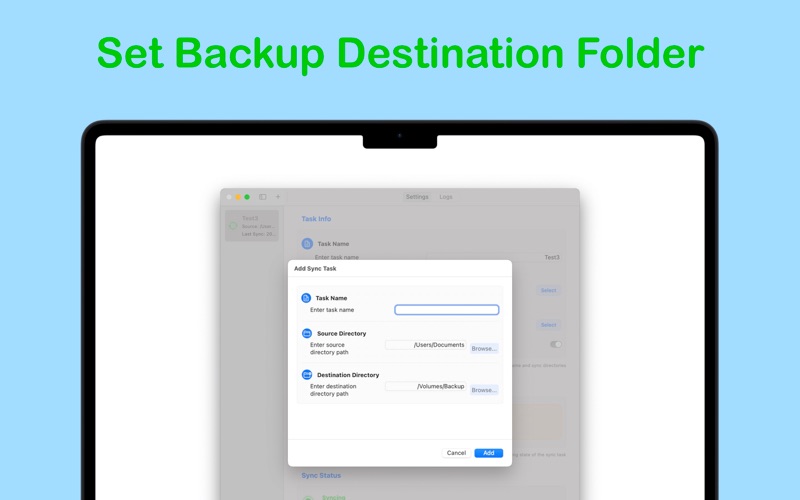
Click “Add Task” to create a new sync task.
Select your source folder (for example, your Documents or Photos).
Choose a destination folder, such as an external USB drive or backup disk.
Enable auto sync, or manually start and stop synchronization as needed.
Fast Sync will keep your files up to date and securely backed up—perfect for regular backups to mobile storage or keeping work folders in sync across devices.