
iPhone Screenshots


Description
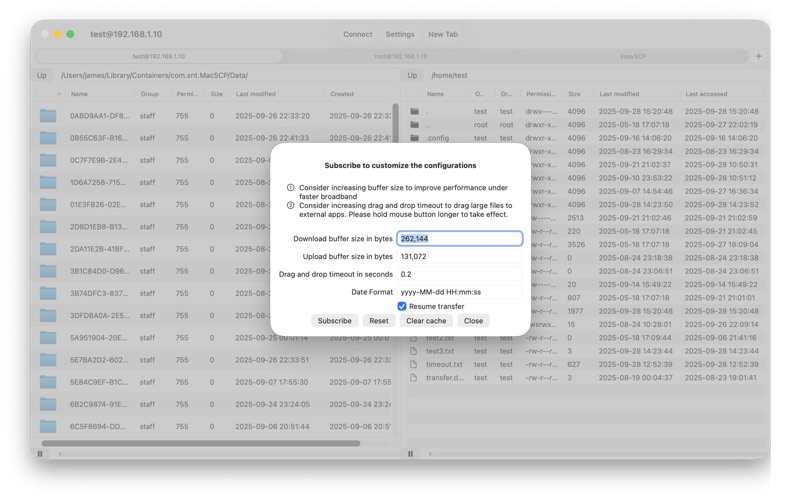
Transfer files via SFTP and SCP with drag-and-drop support from Finder. Upload and download files to/from download folders. Use SSH keys in Ed25519 OpenSSH format. Export and import site configurations.
EasySCP is an SFTP and SCP client.
• It supports drag and drop from/to external apps such as Finder.
• It allows you to download files to your download folder (For other folders, please drag and drop to Finder instead)
• It allows you to upload files from your download folder (For other folders, please drag and drop from Finder instead)
• It supports SSH keys in Ed25519 OpenSSH format (Other formats will be supported in a future release)
• It allows you to export/import sites configurations in ini file format which is compatible with WinSCP app.
• It allows you to save/retrieve passwords and SSH keys in Apple keychain.
• It supports multiple tabs for multiple sessions
Terms of Use: https://www.apple.com/legal/internet-services/itunes/dev/stdeula/