
iPhone Screenshots
Description
Features:
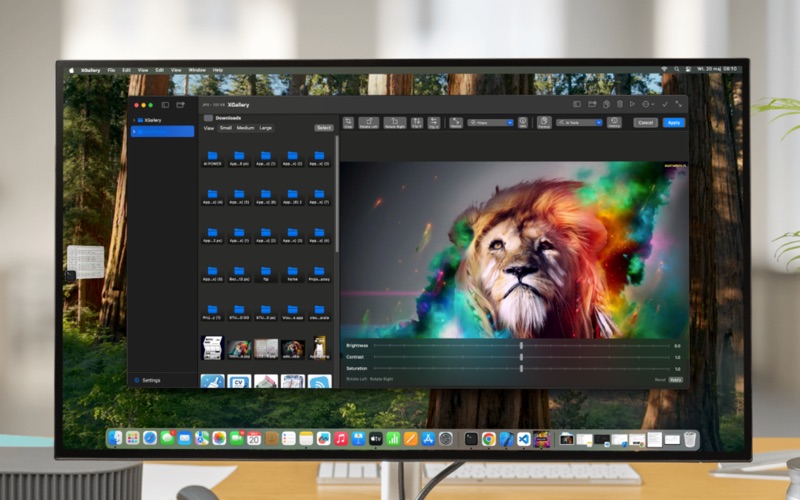
- Image Browsing: Navigate through folders with a tree view, view
thumbnails in an adjustable grid, and open images in a detailed viewer
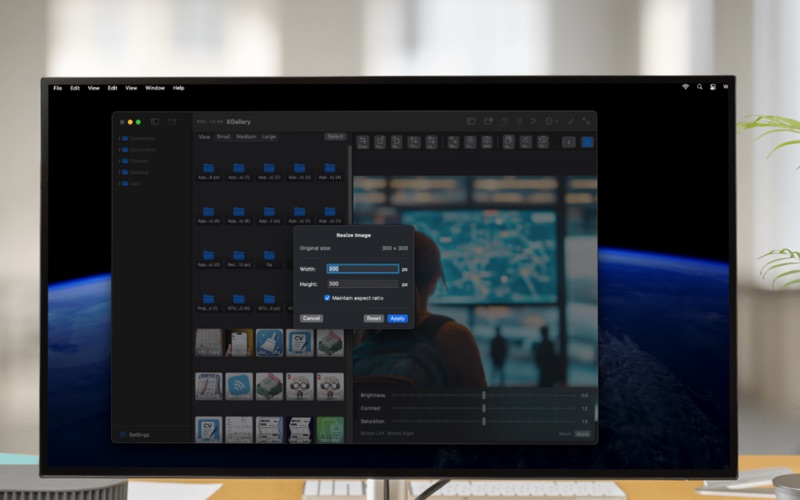
- Image Editing: Apply transformations (rotation, flipping, resizing,
cropping), adjust colors (brightness, contrast, saturation), and apply
filters
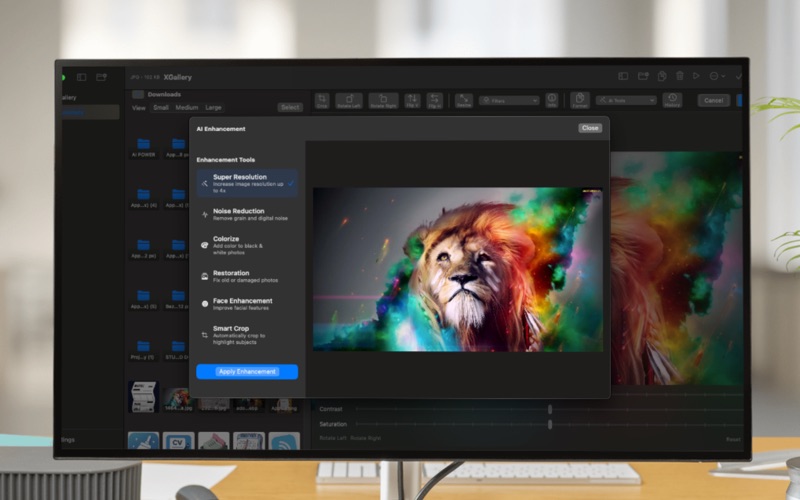
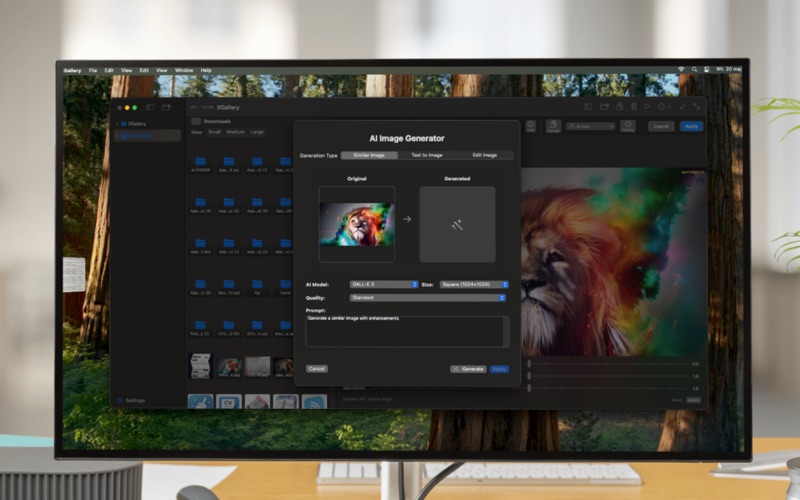
- AI Integration: Generate new images or create variations using AI
models (DALL-E)
- File Management: Browse directories, copy/delete files, and organize
your image collection
- Metadata Viewing: Examine detailed image information and properties
- User Interface: Enjoy dark/light mode support, three-panel layout, and
convenient keyboard shortcuts
The application is built with SwiftUI specifically for macOS, providing a
native and responsive experience for managing your image collection.