
iPhone Screenshots

Description
Monitor your website analytics at a glance.
Umami Stats brings your website analytics directly to your Mac's menu bar, providing instant access to your Umami analytics data without leaving your workflow.
Key Features
+ Real-time Analytics: Monitor your website traffic and visitor statistics in real-time
+ Menu Bar Convenience: Access your analytics with a single click from your menu bar
+ Multiple Website Support: Track multiple websites simultaneously
+ Customizable Time Ranges: View data for different time periods (24h, 7d, 30d, 90d)
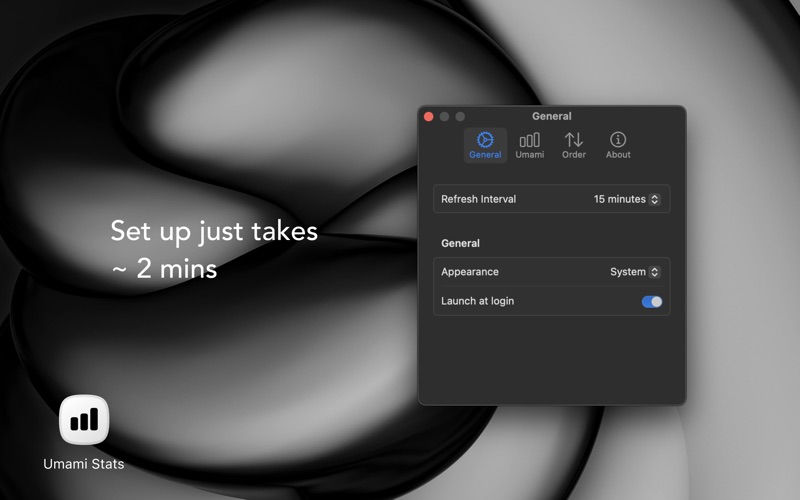
+ Dark Mode Support: Choose between light, dark, or system appearance
+ Automatic Updates: Configurable refresh intervals to keep your data current
+ Clean, Modern Interface: Beautifully designed UI that fits seamlessly with macOS
Perfect For
+ Website owners who need quick access to their analytics
+ Digital marketers monitoring multiple websites
+ Content creators tracking their audience engagement
+ Developers who want to keep an eye on their site's performance
Requirements
+ macOS 13.0 or later
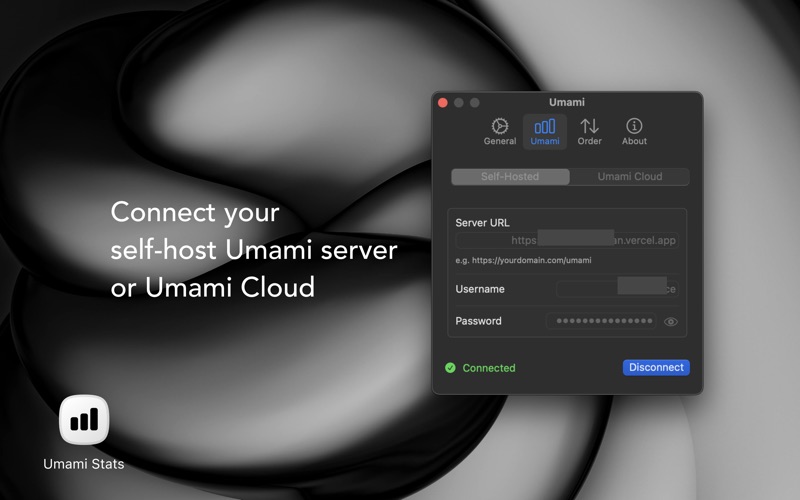
+ An Umami analytics account (Selfhost)
Coming Soon
+ Ability to connect Umami Cloud