
iPhone Screenshots

Description
Key Caps 2 makes it effortless to discover exactly what every key on your Mac keyboard will produce—especially those elusive special characters and accented letters.
What You Can Do:
See Every Key’s Output
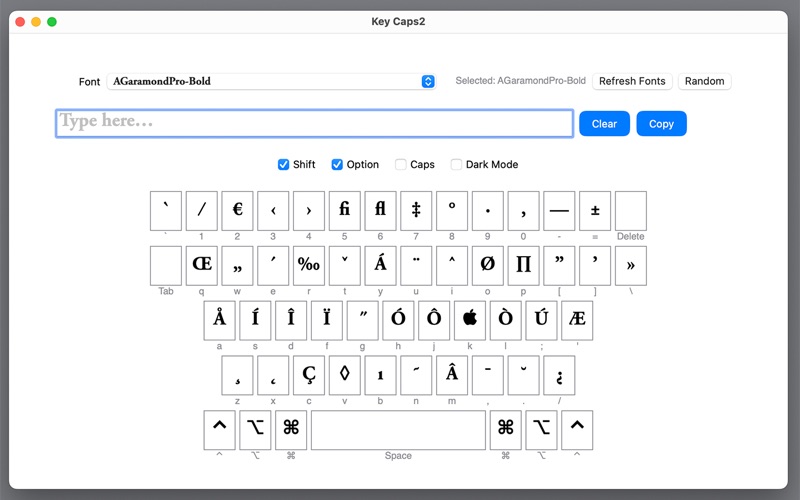
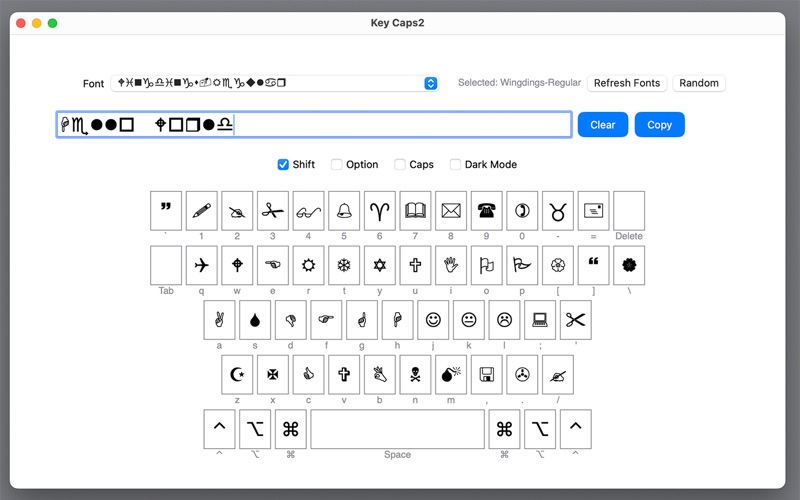
View an on‑screen replica of your physical keyboard. Each key displays the character it generates in your chosen font, including Shift‑modified symbols and Option (⌥) combinations.
Find Special & Accented Characters
Toggle Option (⌥), Shift, and Caps Lock, or press keys on your hardware keyboard, to instantly highlight how to type accents (é, ñ, ü, etc.), currency symbols, arrows, and more.
Dead‑Key Composition
Tap an accent key (e.g. Option + E or Option + `) then a letter to compose accented characters—Option + E → “e” yields “é.”
Font Preview & Clipboard Integration
Browse all your installed fonts (or pick one at random), type your own sample text, then click Copy to send it straight to your clipboard.
Customizable Appearance
Switch between Light and Dark mode, and choose your preferred key‑fill and border colors for maximum readability.
Whether you’re hunting down the right Option‑key combo for “•”, “©”, or “€”, or testing how accented letters render in different fonts, Key Caps 2 is your interactive guide to every character your Mac can produce. Perfect for designers, writers, and power‑users who need to type—and understand—every special character.