
iPhone Screenshots

Description
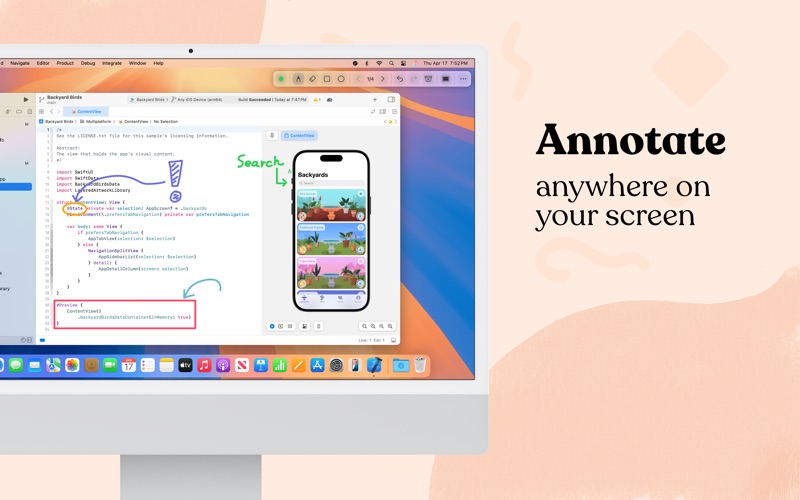
Draw anywhere on your screen with Screenboard!
Screenboard allows you to annotate anywhere on your screen - great for teachers, presenters, students, and more
Annotate on the Screen
• Draw anywhere on the screen, including over other apps and content with multi-monitor support.
• Great to pair with iPad + Apple Sidecar or a drawing tablet. Annotate over full-screen apps as well.
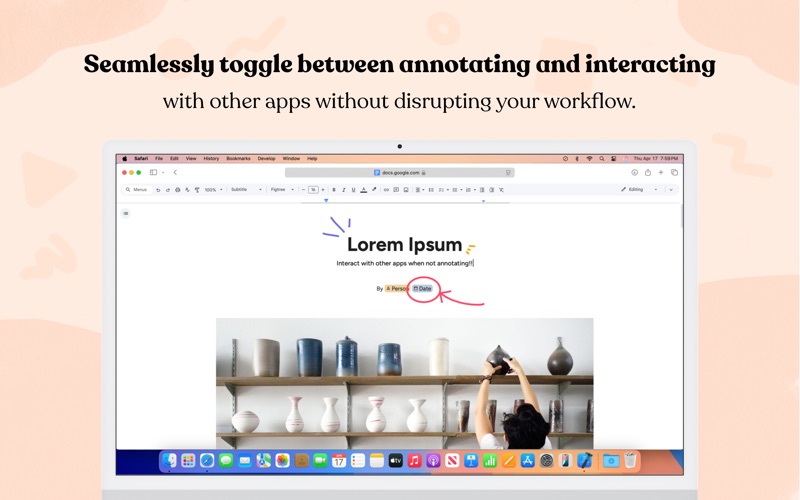
• Quickly toggle between annotating and interacting with other apps. Keep or hide annotations when using other apps.
• Annotate with freeform, shapes or text, with quick access to editing features such as an eraser tool, undo, and redo.
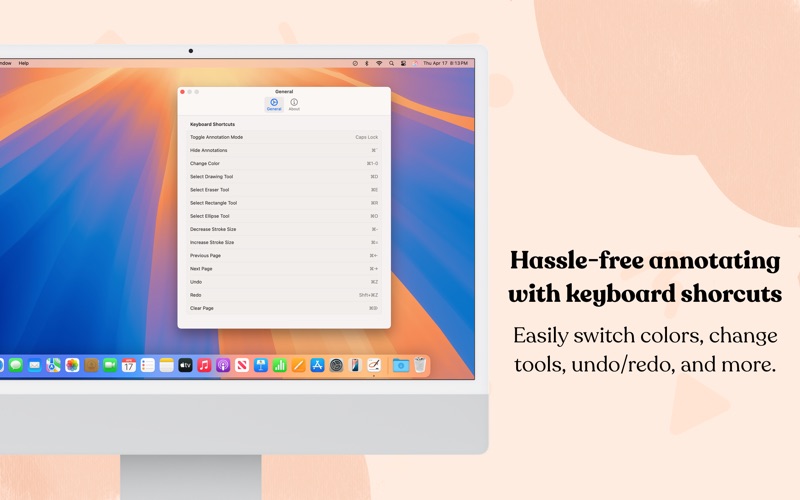
• Familiar keyboard shortcuts that seamlessly switch between colors, tools, and modes.
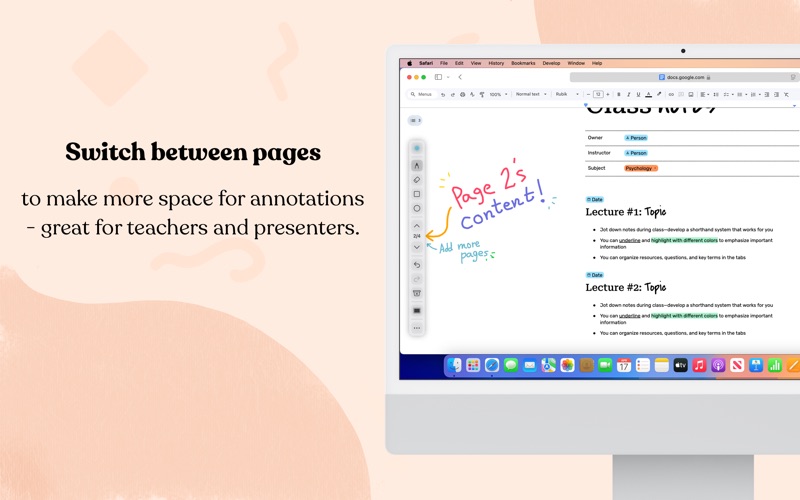
• Switch between pages to organize annotations.
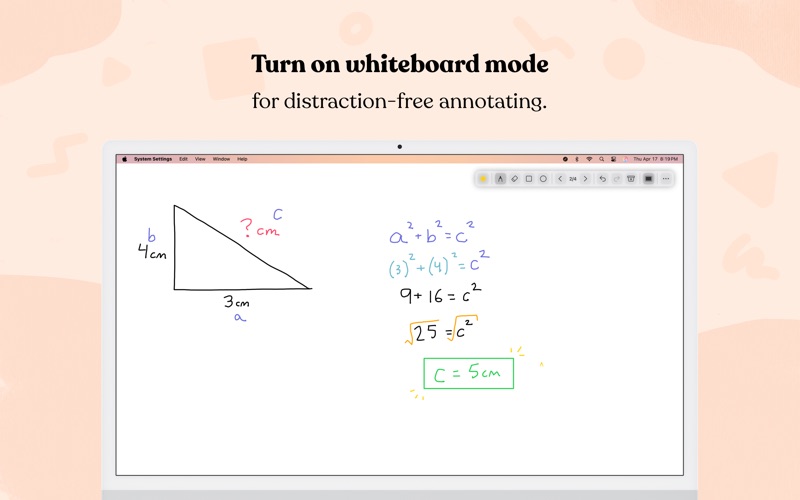
• Toggle on a digital whiteboard for distraction-free annotating.
Endless Customization
• Save up to ten custom colors to switch between when annotating.
• Customize the appearance of the toolbar, cursor, and more.
• Customize keyboard shortcuts and trigger keys.
• All customizations sync with iCloud and other devices.
• Dark mode support.
---
One-time purchase - no in-app purchases ever. Download Screenboard today!