
iPhone Screenshots



Description
# FavvPlay - Player for Social Video & Reels on Instagram
Take full control of your Instagram videos with FavvPlay, the Safari extension that enhances your browsing experience without compromising your privacy.
## Why FavvPlay?
Instagram's default video player lacks many features found in professional video platforms. FavvPlay bridges this gap by adding powerful controls that let you experience Instagram content on your terms.
## Key Features
### Interactive Video Scrubbing
Tired of waiting through long videos to find the content you care about? FavvPlay adds a video scrubber that lets you scroll through videos with precision. Skip, rewind, or jump to the best parts with a simple scroll motion.
### Enhanced Viewing Options
Enjoy your content in fullscreen or picture-in-picture mode while continuing to browse. When viewing videos in comment view, you'll have access to fullscreen capabilities that enhance your viewing experience.
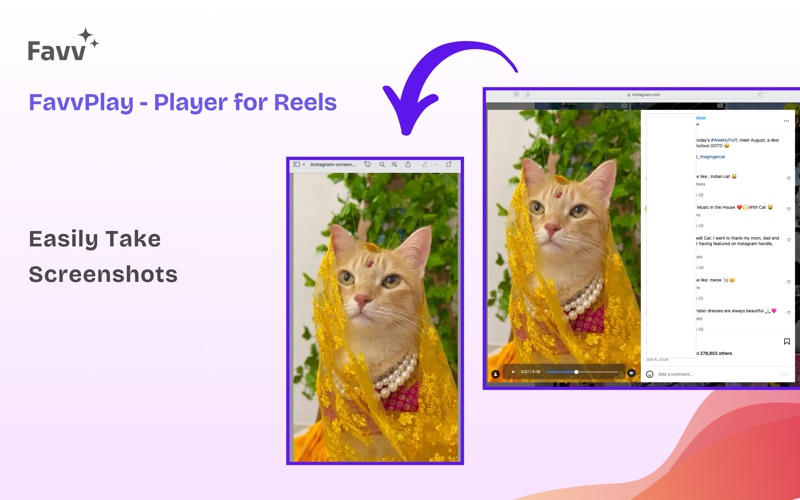
### Instant Screenshots
See something you want to save? Capture memorable moments with one click – no more screen recording and trimming later. FavvPlay's screenshot feature lets you grab exactly what you want, when you want it.
### Flexible Display Options
Choose how you want to experience FavvPlay:
- Sticky Player: Keeps the video controls visible as you scroll through your feed
- On-Hover Display: Shows controls only when you need them, minimizing distraction
### Light & Dark Mode Support
FavvPlay offers a comfortable viewing experience by letting you choose between light or dark mode.
### Privacy First Approach
We respect your privacy. FavvPlay:
- Requires no sign-up or account creation
- Collects absolutely no personal data
- Doesn't track your browsing or viewing habits
- Works entirely within your browser
## How to Use FavvPlay
After installation and activation in Safari preferences, FavvPlay automatically enhances Instagram videos and Reels. The intuitive interface requires no learning curve – simply browse Instagram as usual with all the added benefits.
### Fullscreen Mode Access
Due to Safari restrictions, fullscreen mode isn't available directly in the main feed. To access fullscreen viewing, click on the comment button of a particular video, and fullscreen controls will appear in the pop-up view.
## Compatible With
- Instagram Feed Videos
- Instagram Reels
- Instagram Stories
- Comment View Videos
FavvPlay is designed to be lightweight and efficient, with minimal impact on your browsing performance.
Make every scroll count with FavvPlay – the Instagram video enhancement you didn't know you needed.