
iPhone Screenshots


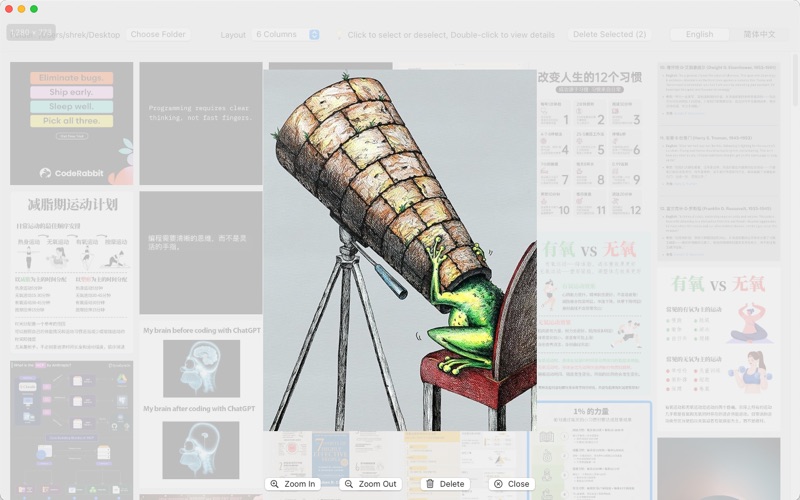
Description
ImagesWall is a lightweight and efficient image management tool for macOS, designed to display your photos in a full-screen waterfall layout, with intuitive features for viewing, selecting, deleting, and zooming.
Key Features:
• Automatically loads images from the Desktop or a selected folder
• Adjustable layout with 2 to 12 columns to suit different screen sizes and preferences
• Single-click to select/deselect, double-click or right-click to view full-size image
• Zoomed-in view supports scaling, scrolling, deleting, and closing
• Batch deletion of selected images, with a two-step confirmation to prevent accidental deletion
• User preferences (like column count) are automatically saved and restored
Perfect for:
• Quickly browsing and organizing screenshots or downloaded images
• Previewing photo details with ease
• Streamlining the process of selecting and managing large sets of images
Whether you’re a photographer, designer, or someone who loves a tidy desktop, ImagesWall brings a fast, clean, and visually engaging way to manage your pictures.