
iPhone Screenshots

Description
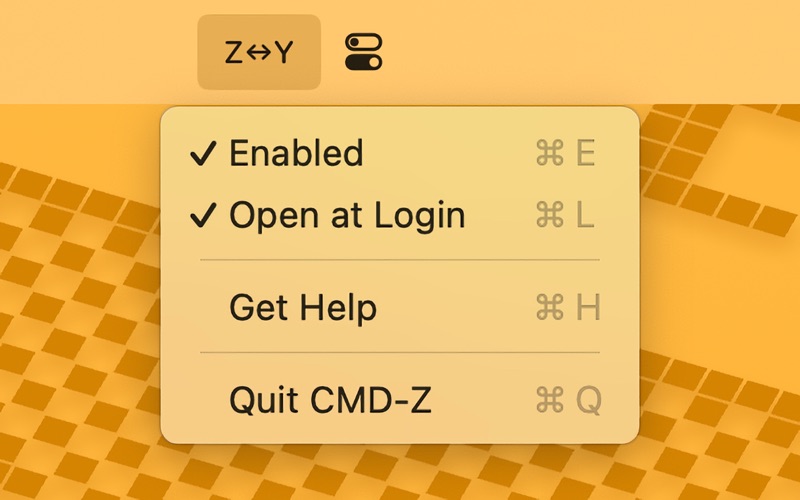
If you're a QWERTZ keyboard user on macOS, you know the frustration: awkward undo shortcuts and inconsistent redo behavior across apps. CMD-Z puts an end to this annoyance by remapping keyboard shortcuts to align perfectly with your natural workflow.
— Intuitive Undo Shortcut: Maps Command-Y to Command-Z, making undo effortless.
— Consistent Redo Action: Ensures Command-Shift-Z works in all apps.ⓘ
— Simple and Elegant: Lives in your menu bar—no clutter, just a toggle away.
— Launches Automatically: Starts with your Mac, so shortcuts remain intuitive.
— Easy Setup: Step-by-step guidance to grant necessary permissions.
Simplify your workflow and say goodbye to keyboard frustration. CMD-Z makes undo and redo shortcuts effortless.
–––
ⓘ Currently supports remapping Command-Y to Command-Shift-Z in Microsoft Office apps and LibreOffice. If CMD-Z is started after an Office app is already open, the remapping may not take effect immediately. In such cases, reopening the Office app is required. To ensure seamless functionality, it is recommended to start CMD-Z at login.