
iPhone Screenshots





Description
Secure Zip & Unzip · Fast, Private, and Effortless File Encryption for macOS
Protect your files with a clean macOS native app built for speed and security. Every ZIP is password protected by default, ensuring maximum privacy with no unprotected files.
Why Choose Secure Zip & Unzip?
• Blazing fast performance with Apple Silicon M1 to M5 optimization and Metal acceleration
• Simple drag and drop workflow to encrypt or decrypt in just three steps
• AES 256 password protection for every archive
• Finder integration with right click Open With decryption
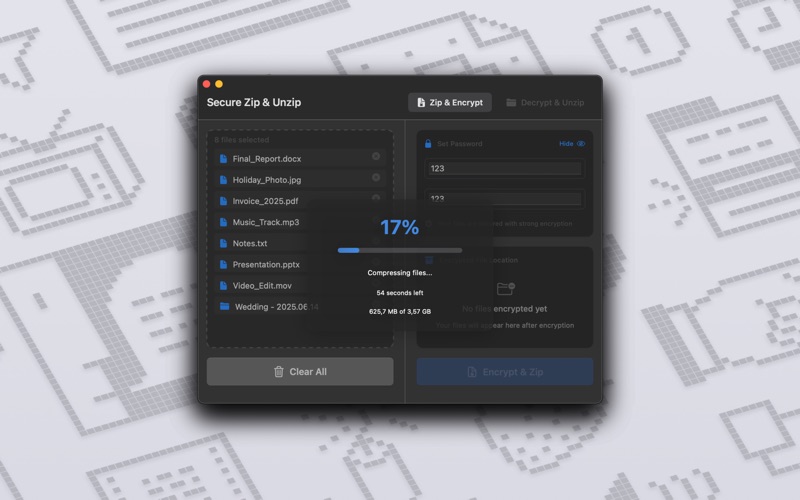
• Light and Dark Mode support with a lightweight modern design
• One time purchase with no subscriptions and no hidden fees
How It Works
Encrypt
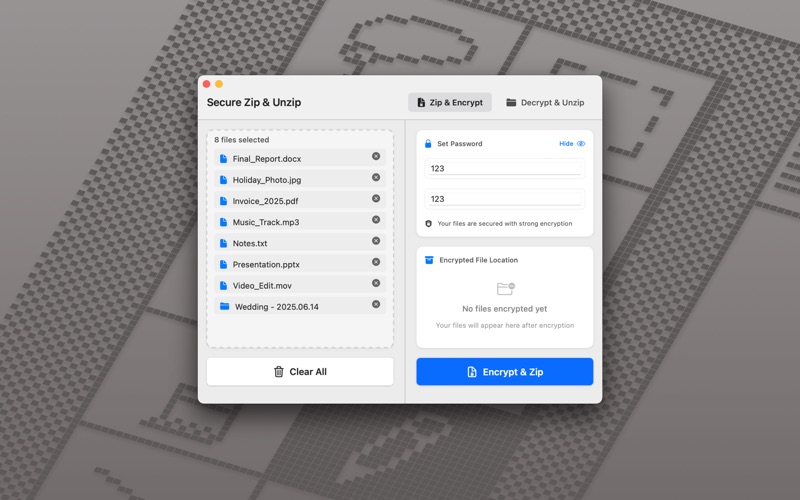
1. Drag and drop files or select them manually
2. Set a password and confirm
3. Choose a destination folder using the standard macOS file picker
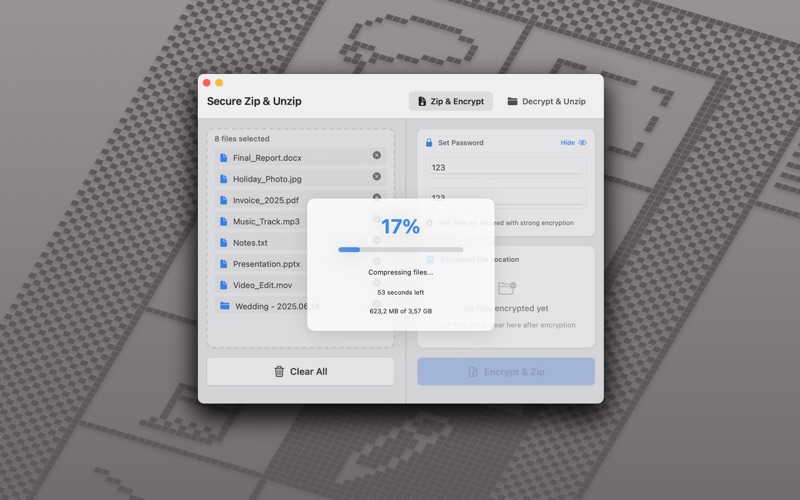
4. The encrypted ZIP is saved instantly and shown in the Encrypted File Location panel
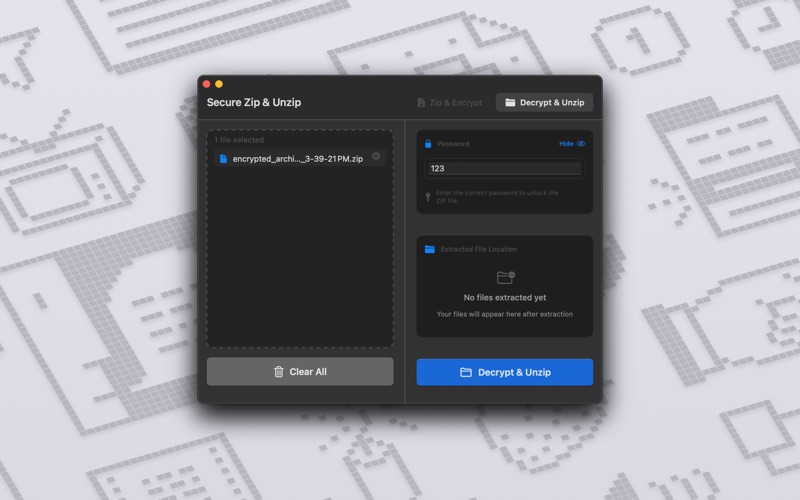
Decrypt
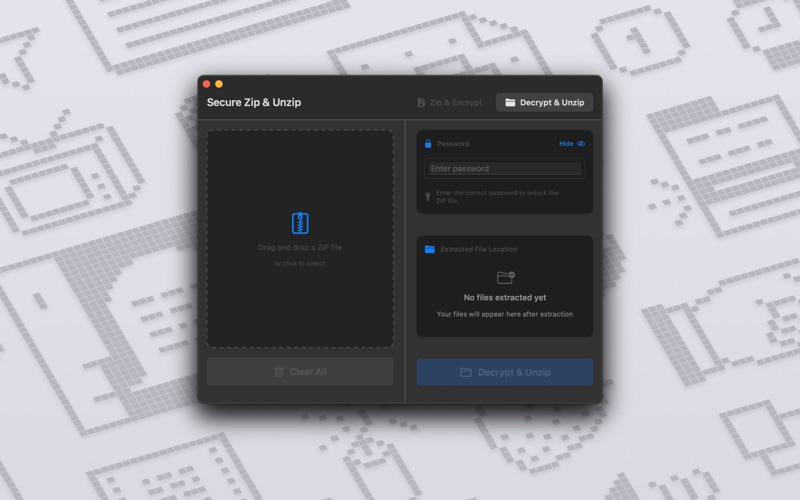
1. Drag and drop a password protected ZIP
2. Enter the correct password
3. Choose a destination folder for extracted files
4. Files are restored instantly and displayed in the Extracted File Location panel
Secure Zip & Unzip makes encryption effortless. Download today and take control of your file security.