
iPhone Screenshots


Description
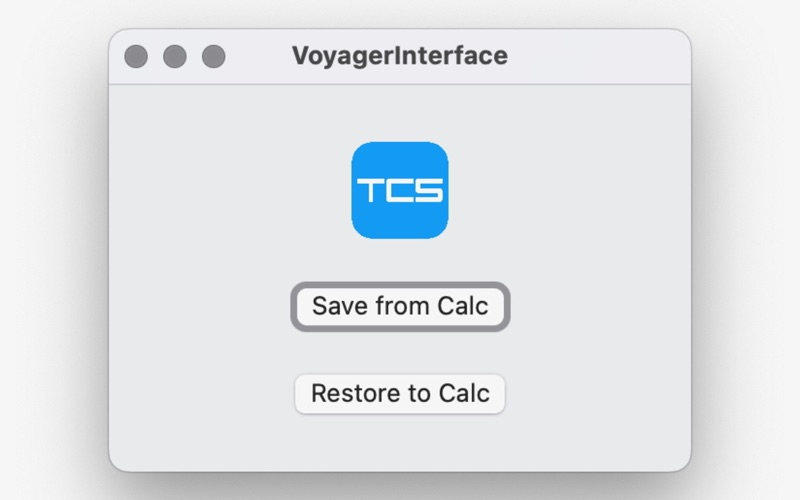
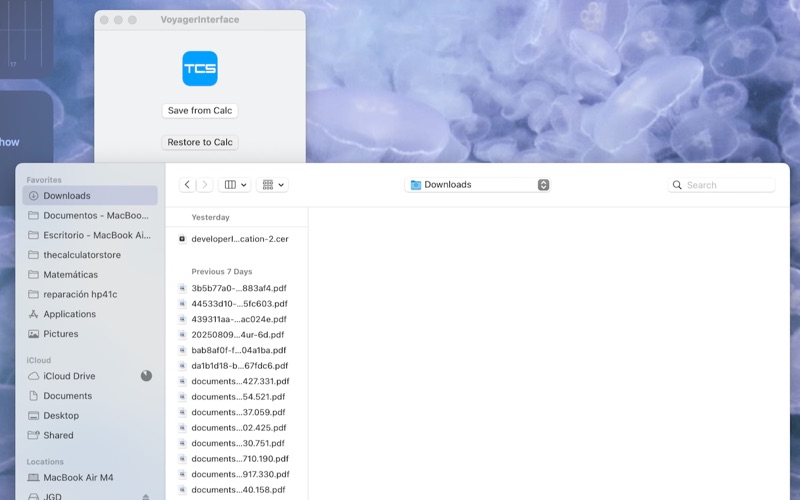
Needs a POGO to USB cable. From switched off, press and hold f+ENTER, then "ON", then release all to get your calculator to connection mode. Use the "Save from Calc" button to save all memory contents to a computer file, or press "Restore to Calc" to select a computer file and send it to the calculator. NOTES: Restoring substitutes all memory, including registers, programs and flags. Calculator must be in the same mode of the file (15, 15.2 or 16) and with the same register split. Works on the Collector's Edition version, not the Limited Edition. Requires latest available firmware on the calculator.