
iPhone Screenshots
Description
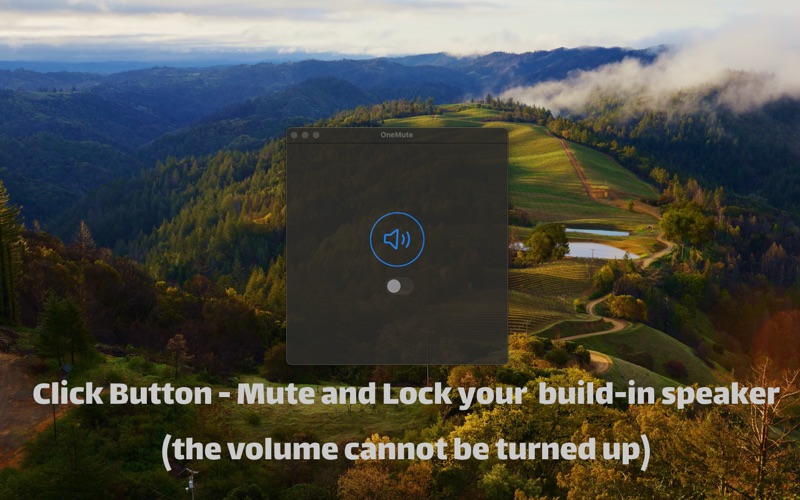
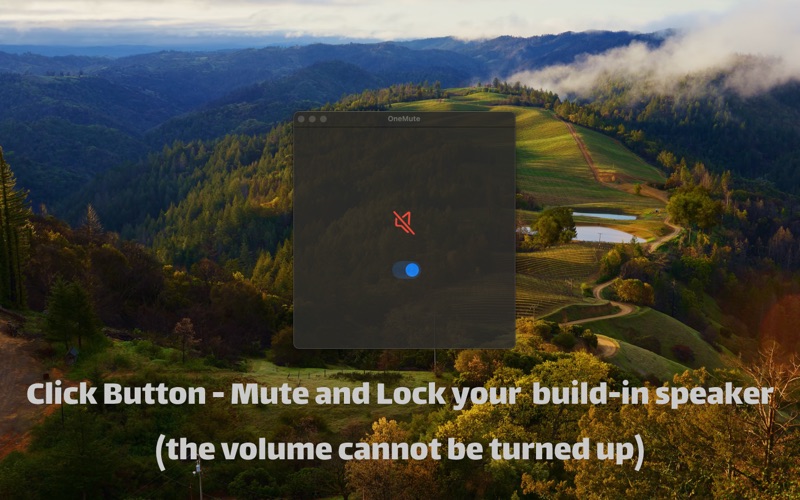
OneMute - Mute and Lock Your Built-in Speakers
1. Prevent Accidental Volume Key Presses
Lock volume settings to prevent accidental changes, keeping your work or study environment quiet. Whether in a meeting or at the library, you don't have to worry about sudden sounds disturbing others.
2. Avoid Being Caught Watching Videos at Work
One-click muting ensures no sound is emitted even if you accidentally open video or audio content, avoiding awkward situations.
3. Avoid Disturbing Others in Libraries or Cafes
Stay quiet when using your computer in public places, respecting those around you. OneMute ensures your MacBook won't accidentally make sounds, allowing you to use your computer comfortably in any environment.