
iPhone Screenshots


Description
Boost your productivity with SnapText Pro — the simplest, fastest way to extract text from any part of your screen using Optical Character Recognition (OCR). No more retyping text or complicated workflows. Just a quick shortcut and the text is yours!
Key Features:
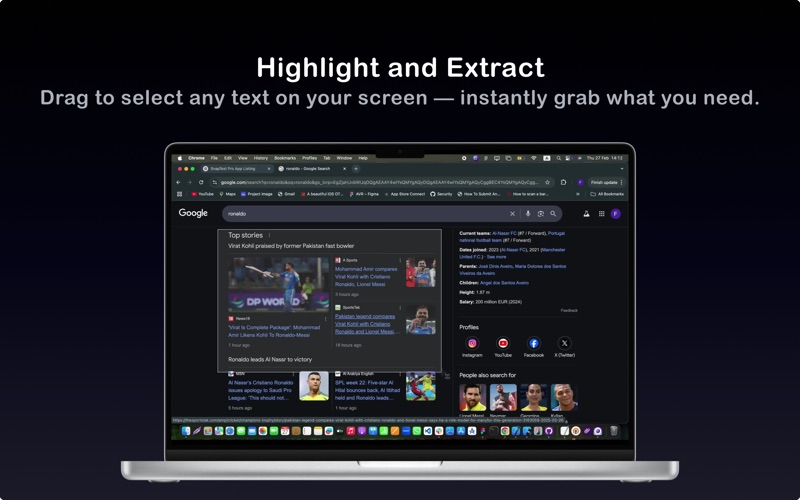
1. Instant Text Capture: Press Command + Shift + 0 to activate text capture mode. Select any area on your screen — the text is instantly extracted and copied to your clipboard.
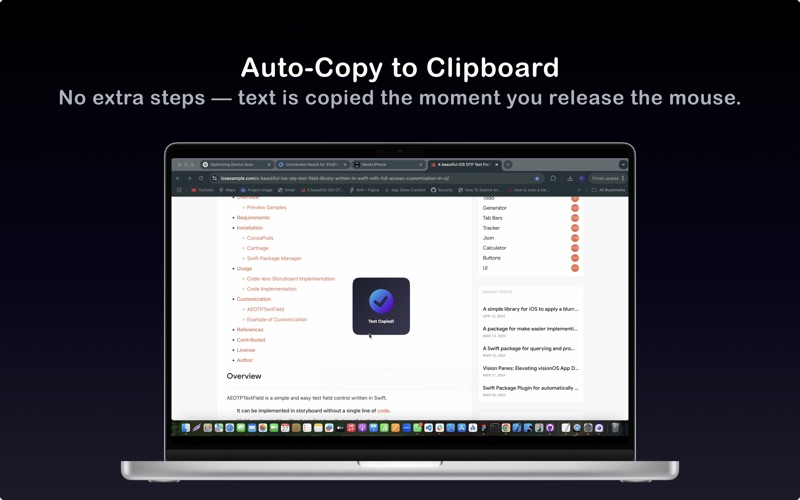
2. Clipboard Integration: The app works silently in the background. Every time you capture text, it’s automatically stored in your clipboard, ready to paste anywhere.
3. Zero Configuration: No complex menus or settings — just a simple shortcut. Snap, copy, paste. It’s that easy.
4. Seamless Workflow: Paste captured text directly into documents, notes, emails, or browsers — wherever you need it.
5. Lightweight and Fast: SnapText Pro is built for speed and simplicity, ensuring smooth performance without slowing down your Mac.
5. Offline Functionality: No internet connection required — all processing happens on your device, keeping your data secure.
6. Help & About Sections: Easily access the usage guide or app information right from the app.
How It Works:
1. Activate Text Capture: Use Command + Shift + 0 to open capture mode.
2. Select Text Area: Drag your mouse to highlight the screen area containing text.
3. Copy to Clipboard: The extracted text is instantly copied — no extra steps.
4. Paste Anywhere: Press Command + V to paste the text into any app.
Why Choose SnapText Pro?
1. Minimalist Design: Focused on doing one thing perfectly — capturing text.
2. Super-Fast OCR: Lightning-fast recognition, even for small or blurry text.
3. Privacy-Focused: All text processing happens locally — your data never leaves your Mac.
Get SnapText Pro today and simplify the way you work with text!
Download Now!