
iPhone Screenshots

Description
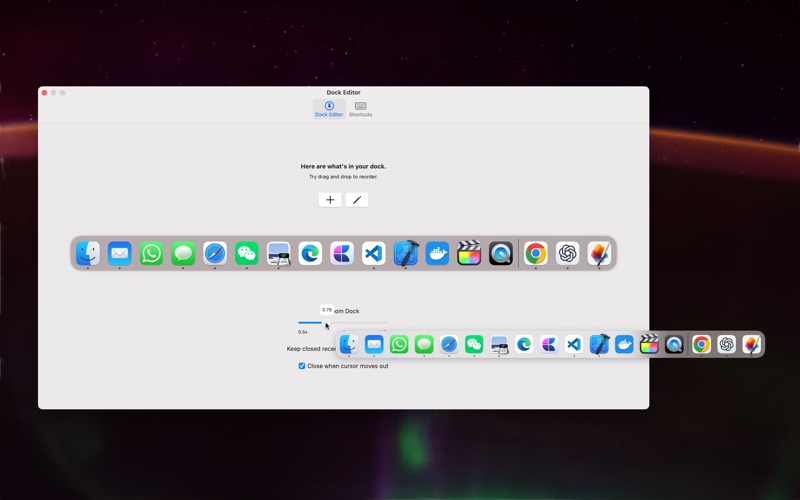
AnoDock allow you to summon an additional dock interface at cursor's position. I designed it to resemble macOS’s native dock, so it should feel familiar and intuitive to use.
With this additional dock interface, you can quickly access your most frequently used apps without having to move the mouse across multiple screens to invoke the native dock.
And, If your native dock is overcrowded, you can move some apps to AnoDock. Your main dock will have more room to breath, it's gonna thank you for that.
You can customize which apps appear in the dock. Like macOS’s native dock, if an app is open but not pinned, it will show up in the Recents section. You can configure how many recently closed apps AnoDock should retain.
You can also rearrange or remove apps by dragging and dropping within the dock. Additionally, you can drag apps from Finder to add them to the dock. Note that you can only remove apps by dragging them out when either the settings tab or the dock interface is open.
Note that many functions are limited here due to app store's sandbox policy. If you're interested in exploring more of this, please checkout my GitHub repo. Thank you.