
iPhone Screenshots

Description
Remember those mesmerizing mechanical keyboard sounds?
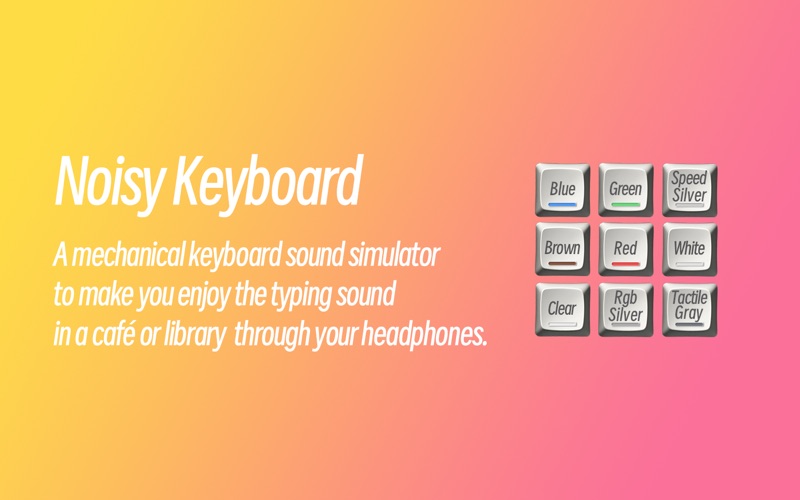
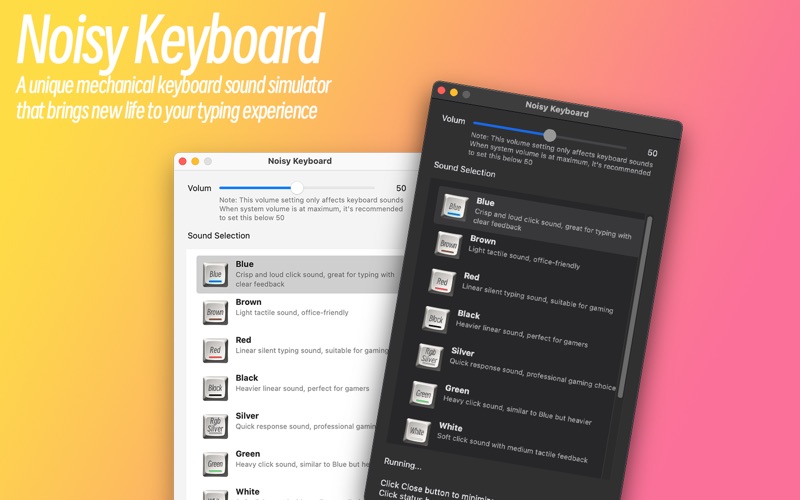
The crisp Blue switches, the smooth Red switches, the resonant Brown switches...
Now, you can enjoy these satisfying typing sounds without investing in expensive mechanical keyboards.
We've meticulously sampled sounds from multiple premium mechanical keyboards and applied advanced audio processing technology to deliver the most authentic tactile feedback with every keystroke.
Whether you're a programmer working in a café or a writer in the library, you can enjoy private typing pleasure through your headphones.
Let's transform ordinary typing into an acoustic feast together!
## No keyboard sound? Here’s how to fix it:
1. Open System Settings on your Mac
2. Go to “Privacy & Security” → “Input Monitoring”
3. Find “NoisyKeyboard” in the list
4. Enable the toggle switch for NoisyKeyboard
5. Restart the application
Our APP follows the APPLE standard EULA:
https://www.apple.com/legal/internet-services/itunes/dev/stdeula/