iPhone Screenshots





Description
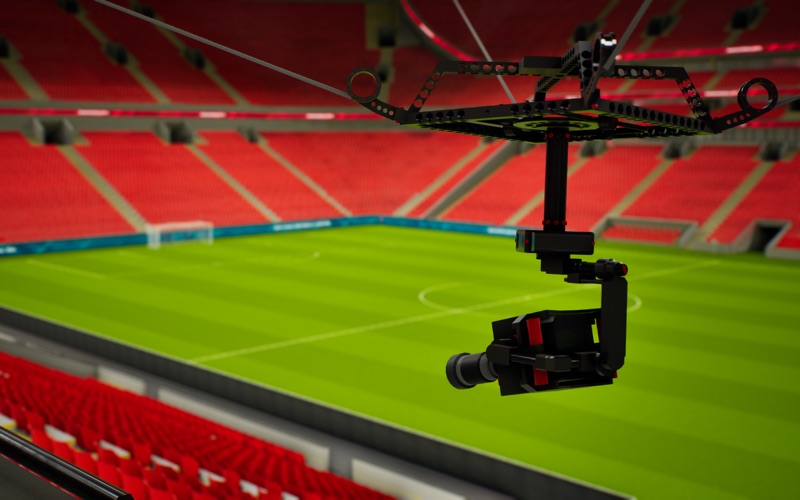
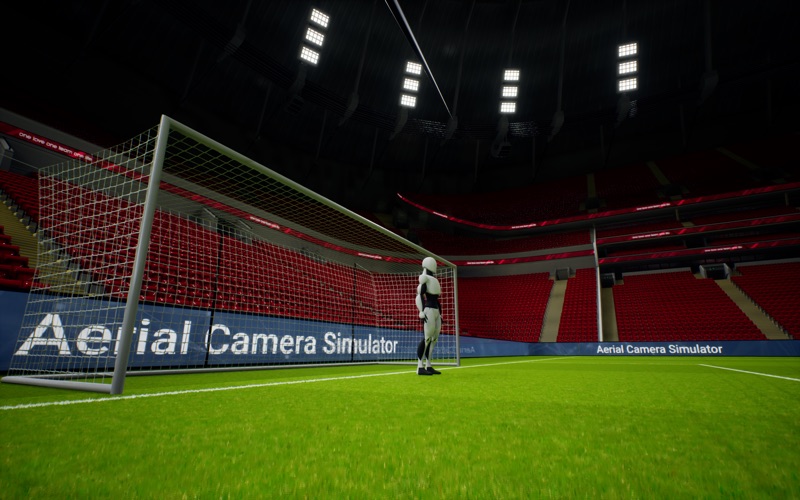
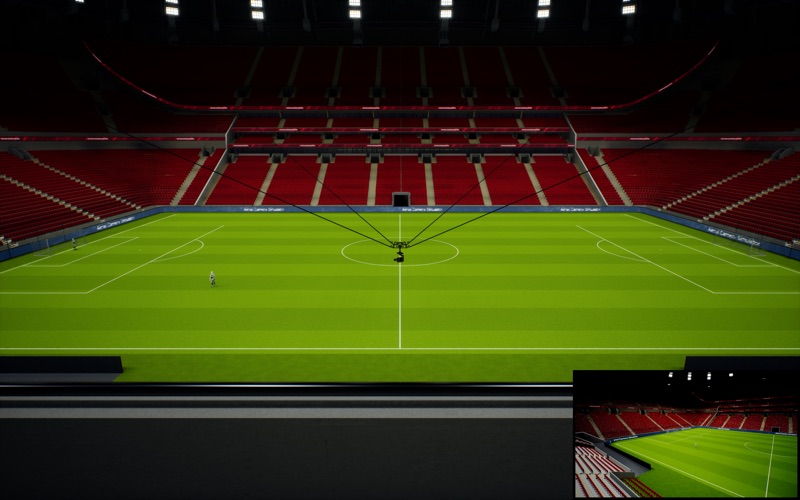
Take control over a detailed 3D cable-suspended camera system within a realistic soccer stadium environment. Aerial Camera Simulator offers a detailed and immersive experience of operating a camera dolly. Whether you're an aspiring filmmaker or simply curious about the technology, this simulator provides a unique and engaging way to explore the world of aerial cinematography.
Key Features and Functions ---
PRECISE DOLLY CONTROLS: Master the art of flying the camera dolly within a fixed 3D coordinate system. Experience immersive physics and responsive controls as you navigate the stadium's airspace.
SOLO MODE: Concentrate on dolly movement while utilizing auto-tracking focus points (center, goal, corner, ...) for the camera head.
COOP MODE: Engage in local co-op. One user controls the dolly, while the second operates the camera head.
CONFIGURATION: Customize control parameters including adjustable speed and acceleration for dolly movement (vertical/horizontal) and camera head control (pan/tilt/zoom). Vertical axis inversion is available for both. Fine-tune responsiveness through configurable sensitivity, response curves, and inner/outer deadzones. Save up to four presets to quickly switch configurations mid-flight.
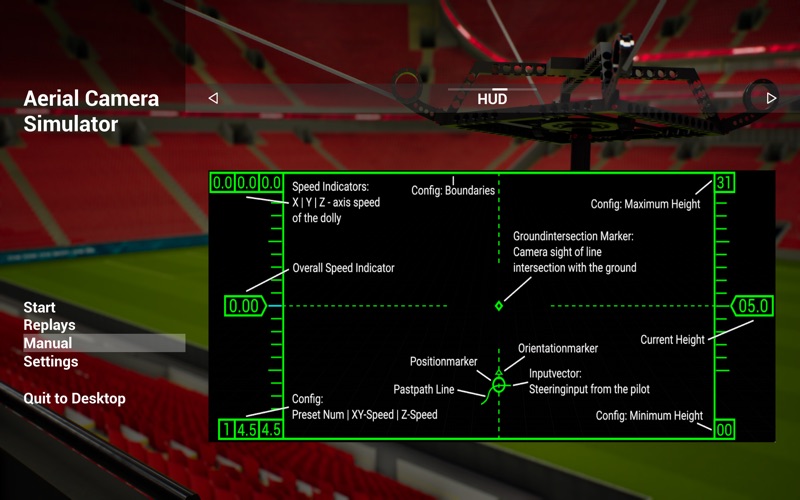
HUD: An optional Head-Up Display provides critical operational data, such as speed, position, and head direction, to support controlled flight.
SCENARIOS: Explore three distinct scenarios, compatible with cooperative mode
• Free Flight: Unrestricted exploration of the stadium environment. Experiment with different flight paths and camera focus points without any specific objectives.
• Circle Fly Training: A skill-based mode with a global leaderboard for precise circular flight performance.
• Soccer Opening Ceremony: Focused on capturing dynamic camera perspectives during an animated opening ceremony.
RESET / SLOW MOTION: Restart the entire scenario or engage slow motion to reposition the camera.
REPLAY MODE: Record and analyze flight sessions. Review visualized flight paths in 3D, examine control inputs, and study velocity vectors for performance evaluation.
(optional) LOW PERFORMANCE MODE: Simplified stadium to save battery and for low-end hardware.
Note:
*Please be advised that the content of this application is intended as a simulation and may not offer the typical gameplay experience associated with games.
*Use of a gamepad controller is highly recommended (optionally with 3D printable drone flight sticks).
*At least one gamepad is needed for COOP