
iPhone Screenshots

Description
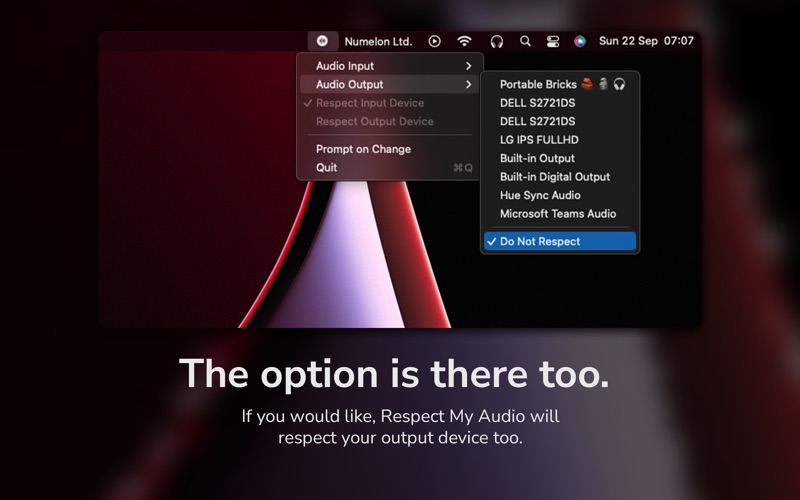
Tired of macOS automatically switching your audio devices? Respect My Audio ensures that your chosen input and output devices stay exactly how you set them.
- Prevent unwanted device changes with Respect My Audio: Your microphone and speakers will remain as you selected, no more forced switches when a new audio device connects.
- Customise which devices to respect: Choose to lock just your input, output, or both.
- Prompt on change: Get a notification asking if you want to switch when macOS detects a new device. (temporarily removed, will be added back soon)
- Lightweight and unobtrusive: Runs in the menu bar with minimal impact.
Respect My Audio is perfect for those who use Bluetooth audio devices, external microphones, or multiple audio devices and want full control over their sound settings.