
iPhone Screenshots


Description
Got it! Here’s the revised version with a stronger emphasis on privacy and security for the fifth point:
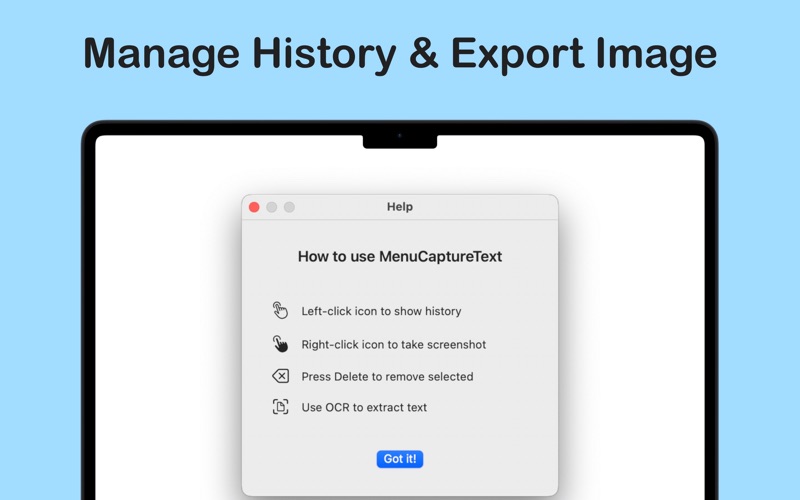
1. Launch the App: After starting, the app stays in your menu bar for quick, easy access—no internet connection required.
2. Capture a Screenshot: Simply right-click and double-click to instantly take a screenshot.
3. View & Manage Screenshots: Screenshots are automatically saved in your list, with unlimited storage—no cloud syncing, ensuring full privacy.
4. OCR Text Recognition: Extract text from your screenshots with built-in OCR technology, all offline—no data is sent to external servers.
5. Export & Copy: Copy the image or export it as needed. The OCR results are processed locally on your device—no personal data is shared or stored anywhere else.
With RightClick Snap, you can capture, manage, and extract text from screenshots securely and offline—no internet, no privacy risks. Try it now for smarter and safer screenshot management!
This revision adds more emphasis on the privacy and security of the data, making it clear that no personal information is shared or stored. Let me know if you’d like any further adjustments!