
iPhone Screenshots

Description
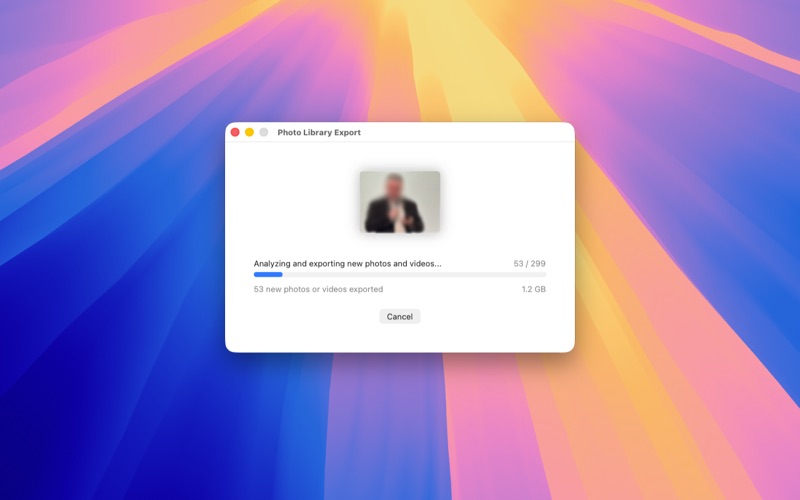
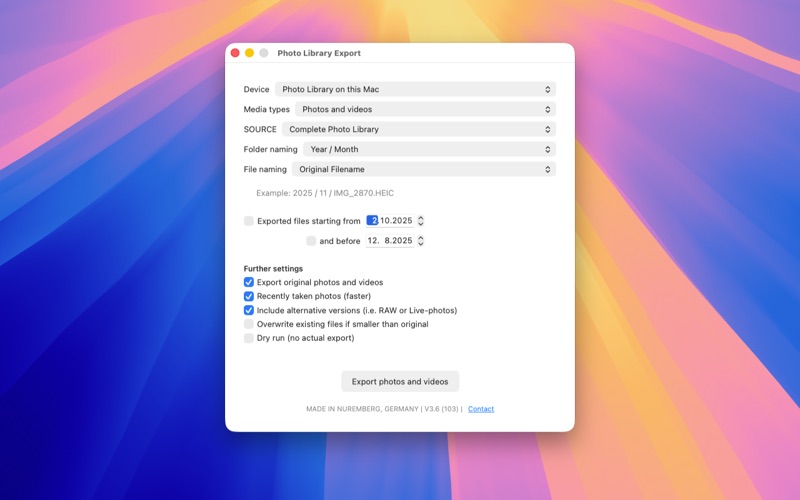
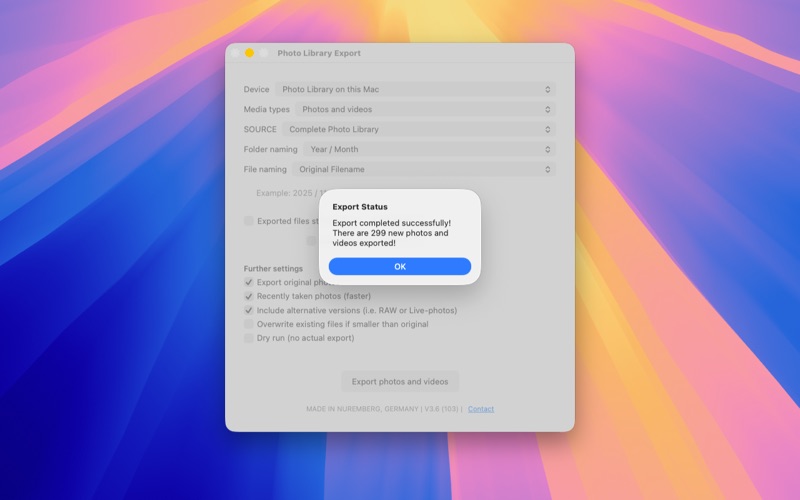
The app allows you to export photos and videos in year-month directories, file names are retained. Each time you export, it is checked whether the file is still present in the target directory. As an option, you can overwrite existing files if they are larger in the original. You can also limit the time range and only check the "most recently added" photos and videos, which is quicker. You can also export single albums if needed.
With the latest version we also support shared and local albums. Shared libraries are supported the same way.
Access to the photo library must of course be approved. However, we do not look at any photos, nor do we transfer any data.
If you use the optimized Photo Library and iCloud, only photos with reduced quality will be stored on your Mac. We then download the full resolution via PhotoKit (Apple). This is done using Apple's APIs, just like the photo library does.
Also note that the app intentionally does nothing unless you click Export, nor does it automatically run.
Q: How do I select photos to export?
A: You can select photos from your library using date ranges, albums, or a combination of both.
Q: How do we make sure the same photo is not exported again, do you keep a database?
A: No, we do not work with a database. Instead we are checking each and every photo again by file size and date time.
Q: Do photos have the file date when taken?
A: Absolut, we keep EXIF data (the original file) and set creation and modified date time to the time taken.
Q: Are edited photos exported?
A: No, we developed the app to export only the original photo.
Q: Does the app need Internet access?
A: The app itself does not need Internet access, however, when using iCloud the local photo can be in low resolution mode. In this case we request the photo to be downloaded from within the photo library.
Q: Are we collecting any usage data?
A: No, we do not. Privacy is our highest priority here.
Is something missing? Do you have questions about our app? We welcome any suggestions!