Description
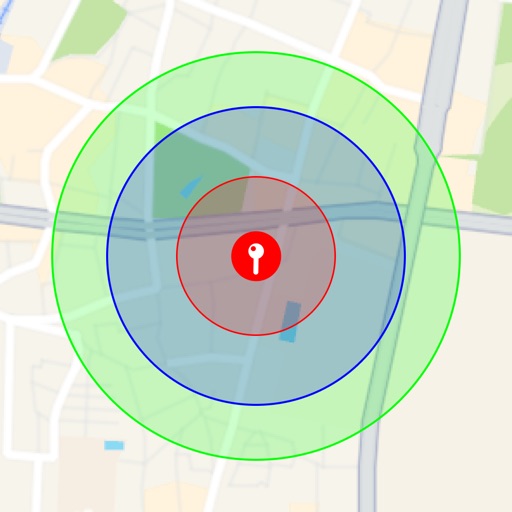
Visualize around map pins to compare distances. Set up to three per pin. Search locations and check nearby points of interest. Switch between standard and satellite map views. Automatically save pins for future reference.
Quickly visualize a clear radius around any pin you place on the map!
Features:
- You can set up to three radius circles for a single pin, making it easy to compare multiple distances at the same time.
- Includes location search and exploration tools, so you can instantly check what’s within a certain distance from you or any other location.
- Offers both standard map views and satellite imagery for a more interactive and visually appealing experience.
- Pins are saved automatically, allowing you to revisit them whenever you need.
Use Cases:
- When house hunting, check the distance from potential homes to schools, grocery stores, train stations, and more by placing pins and seeing the radius.
- For dating apps, visualize where someone might be based on the distance shown.
- Plan trips by identifying tourist attractions or landmarks within a specific radius around your destination.
- Use it for education, like geography or social studies projects, to explore what’s within a given range of a location.
- Plan walking or jogging routes by setting a radius from your starting point.
- Choose event locations easily by pinpointing areas that are central and convenient for all attendees.
- During emergencies, map out evacuation zones to understand which residents fall within the range of nearby shelters.
This app is perfect for simplifying exploration, planning, and decision-making!