PlanForm-Measure & Markup PDF
Beijing Honghu Yuntu Technology Co., Ltd.
iPhone Screenshots




Description
PlanForm is a free and lightweight PDF Reader for professionals, especially for construction estimating and management.
Main features: Annotate PDFs, Text/table extraction, Auto-bookmarks, batch converting PDF to DWG/JPG, JPG to PDF, Scanned PDF to searchable PDF, Merge PDFs, Measuring length/areas, Counting objects, and Auto tabulating (.xlsx).
Most of the functions are free. In-app purchase is also available to upgrade to VIP membership, providing access to all VIP functions.
PlanForm Highlights:
1. Intelligent Measurement Tools
• Calibrate scale, supports metric and imperial systems
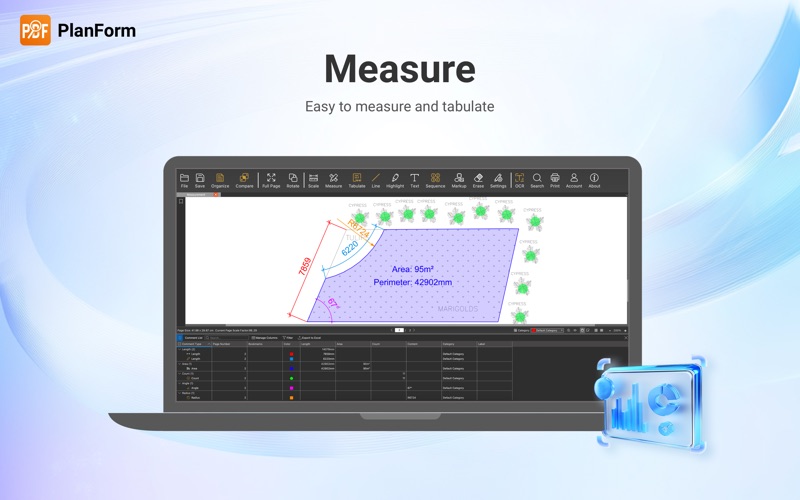
• Length measurements, such as Linear and Aligned
• Continuous length measurement *
• Measure square and polygon area
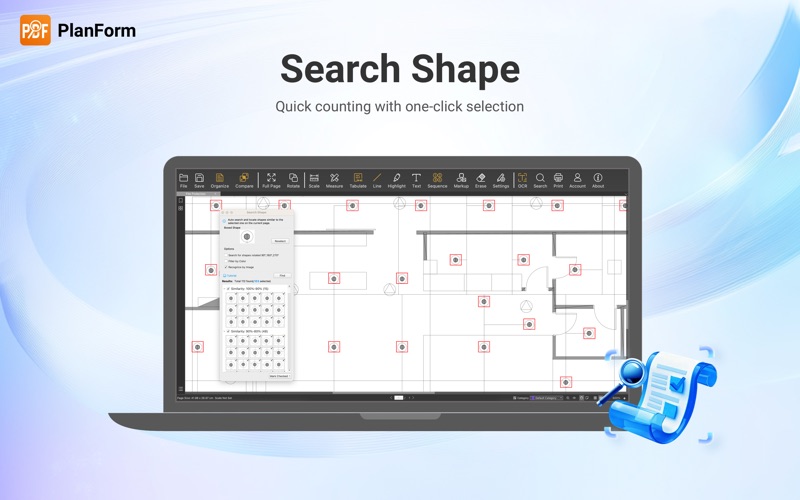
• Count Tool *
• Data tabulation of all measurements and markups *
• Measure radius, angles, arc length etc.*
• Measurement Legend *
• Automatic snapping points for better accuracy
2. Quick Markup Tools
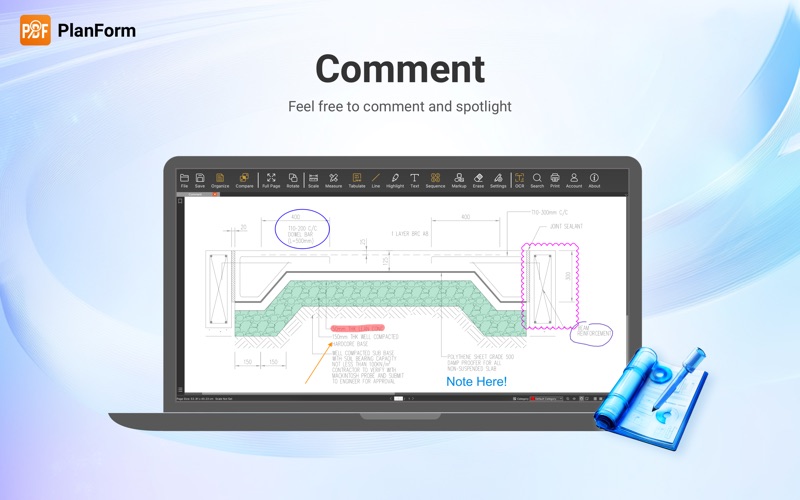
• Drawing tools such as Line, Rectangle, Ellipse, Arrow, Revision Cloud
• Compare Revision Drawings *
• Highlighter tool
• Add and modify texts
• Sequence labelling *
• Insert image *
3. OCR Functions
• Identify & Extract Texts/Tables (OCR) *
4. Document Management & Convert
• Convert image files to PDF
• Combine documents *
• Split document *
• Extract Pages *
• Delete Pages *
*Some functions require the purchase of VIP membership
Still have questions? Feel free to contact our technical support via email, we provide 1-to-1 services for free!
Email: [email protected]
Don't forget to follow our social media pages to learn more tips and tutorials!
YouTube: https://www.youtube.com/@PlanFormPDF
TikTok: www.tiktok.com/@PlanFormPDF
Facebook: https://www.facebook.com/PlanFormPDF
Instagram: https://www.instagram.com/planformpdf/
LinkedIn: https://www.linkedin.com/company/cadreader/
Website: https://pdf.fastcadreader.com/