
iPhone Screenshots



Description
PDF Editor – The Ultimate PDF Editing Suite for macOS
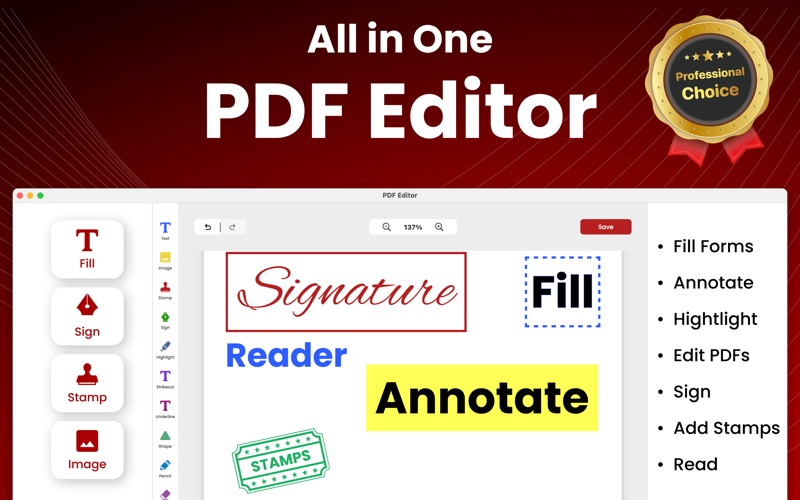
PDF Editor is a powerful and intuitive PDF editor designed for macOS, offering a complete set of tools to create, edit, and manage PDFs with ease. Whether you’re a professional handling documents daily or a casual user looking for seamless PDF modifications, PDF Editor provides everything you need in one sleek and efficient application.
Key Features:
Comprehensive PDF Editing – Edit text, images, annotations, and layout directly within your PDFs. Modify font styles, colors, and sizes effortlessly.
Merge & Split PDFs – Combine multiple PDFs into one or split a large document into smaller, more manageable files.
Lock & Unlock PDFs – Secure sensitive documents with password protection or remove existing restrictions to access and edit PDFs.
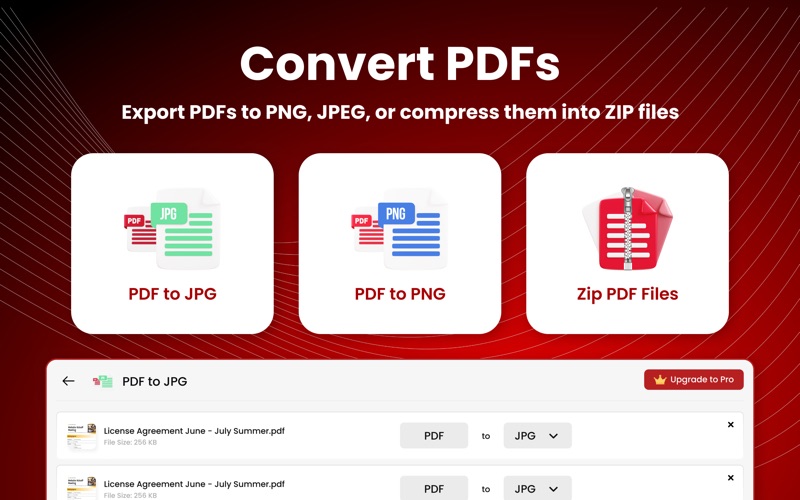
Convert PDFs – Convert PDFs to and from various formats, including Word, Excel, PowerPoint, PNG, JPEG, and more.
Compress & Zip PDFs – Reduce file sizes without losing quality and zip multiple PDFs for easy sharing.
Sign & Annotate – Digitally sign documents, highlight text, add comments, and insert shapes for effective collaboration.
Batch Processing – Automate tasks like converting, compressing, or merging multiple PDFs at once to save time.
Dark Mode & macOS Optimization – Enjoy a sleek UI with full support for macOS features like Dark Mode, Quick Look, and Touch Bar integration.
PDF Editor is your go-to app for all things PDF, ensuring smooth and efficient document workflows. Download now and take control of your PDFs like never before!
Paid Plans: App offers weekly, monthly annual and lifetime paid plans. Monthly plans comes with a 3 days trial in which you can try out the app to understand it better. After the trial subscription auto renews unless cancelled 24 hours before the current period.
https://www.futureappsuite.com/pdfEditor/privacypolicy
https://www.futureappsuite.com/pdfEditor/tnc
Need help? Please reach out to [email protected]