
iPhone Screenshots


Description
The Ultimate Screenshot & Annotation Tool for Mac & Windows
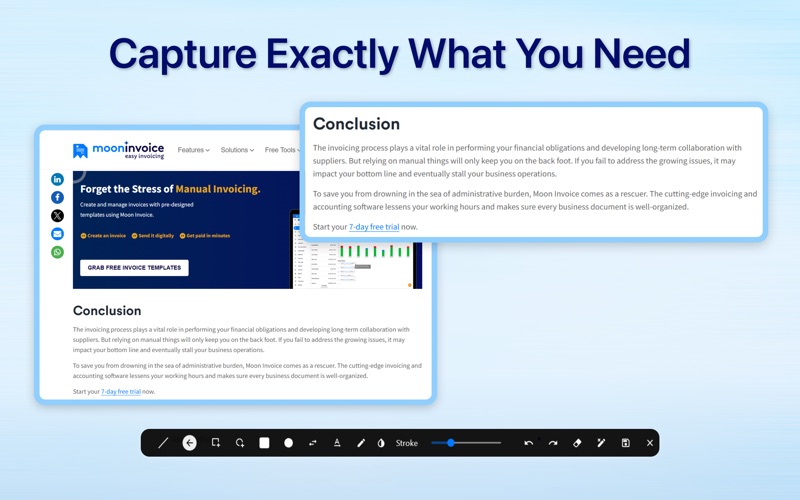
Say hello to your new favorite screen capture tool — built for speed, flexibility, and total control. Whether you’re snapping a full screen, selecting a region, or editing on the fly, this app makes capturing and sharing screenshots effortless.
Key Features:
Screen Capture Made Easy
• Full screen, region, and instant edit captures
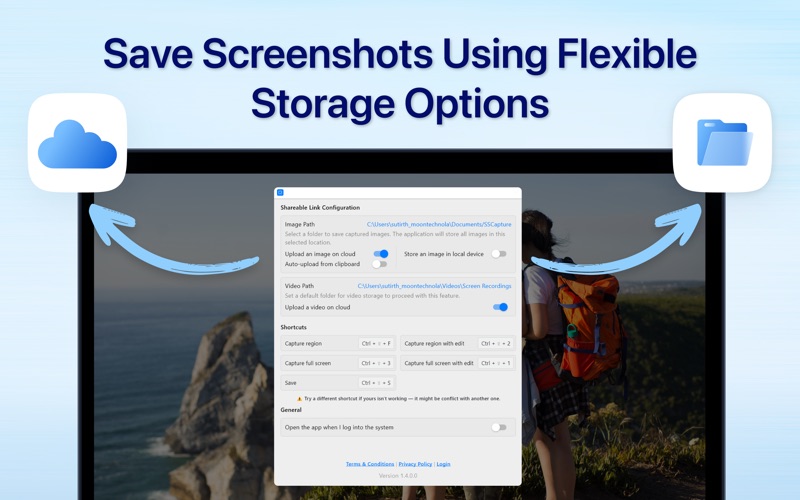
• Keyboard shortcuts for quick actions (fully customizable)
Image Annotation & Editing
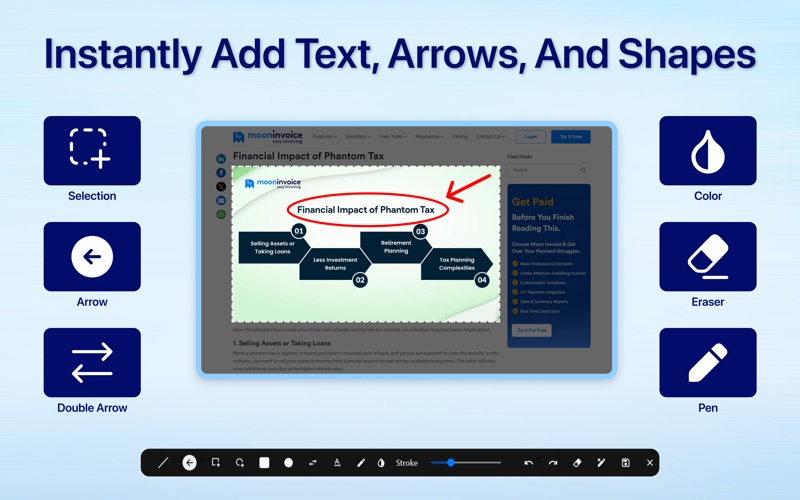
• Draw with lines, arrows, rectangles, circles, and double arrows
• Freehand pencil tool, text tool, and color picker
• Adjust stroke width, erase, undo/redo, or clear all in one click
Clipboard Integration
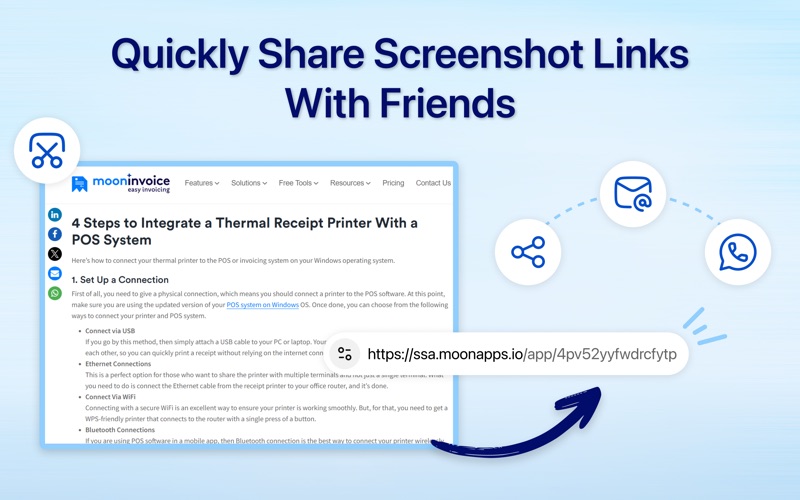
• Monitor clipboard for images and auto-upload with short link generation
Save or Upload – You Choose
• Save images locally to your selected folder
• Upload to the cloud automatically or manually
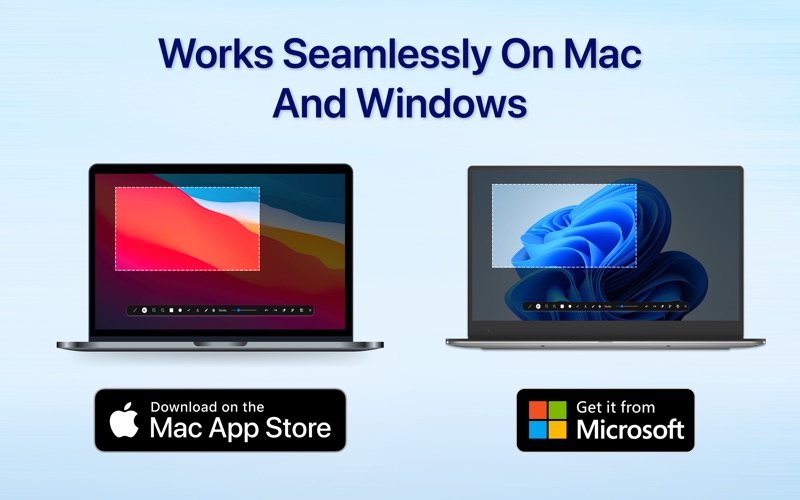
Works Across Platforms
• Fully compatible with both macOS and Windows
Whether you're a content creator, developer, teacher, or just someone who shares a lot of screenshots. This app makes your workflow faster and smarter.
Try it out and see how easy capturing and sharing can be.