
iPhone Screenshots


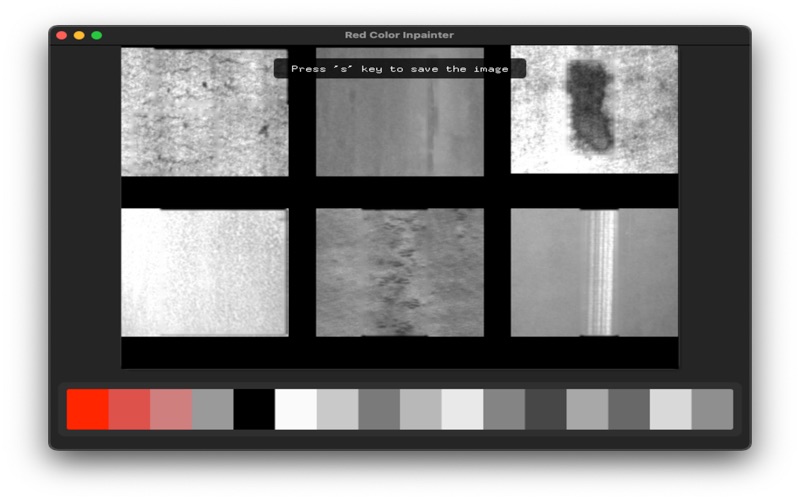


Description
This app automatically removes red markings commonly found in manufacturing domain images using inpainting technology. The cleaned images can be saved, and since it doesn't use AI technology, it runs quickly even on Mac systems.
How to use:
- Drag and drop your image file into the empty window.
- The dominant colors in the image will automatically be displayed below the image, sorted by saturation.
- Click on the red marker color among the dominant colors.
- The red markings in the image will be automatically removed.
- The cleaned image can be saved as a file by pressing the "s" key on your keyboard.
- Demo Video: https://youtu.be/UwNJkPFjTcA?si=lApgv0x8UUb_-RgQ
Thanks.