
iPhone Screenshots




Description
Adjust Stockfish playing strength to give yourself winning or drawing chances
Adjust Stockfish analysis depth and number of lines
Select Chess960 starting position automatically if you wish
Use the Chess960 starting position browser to choose any starting position manually
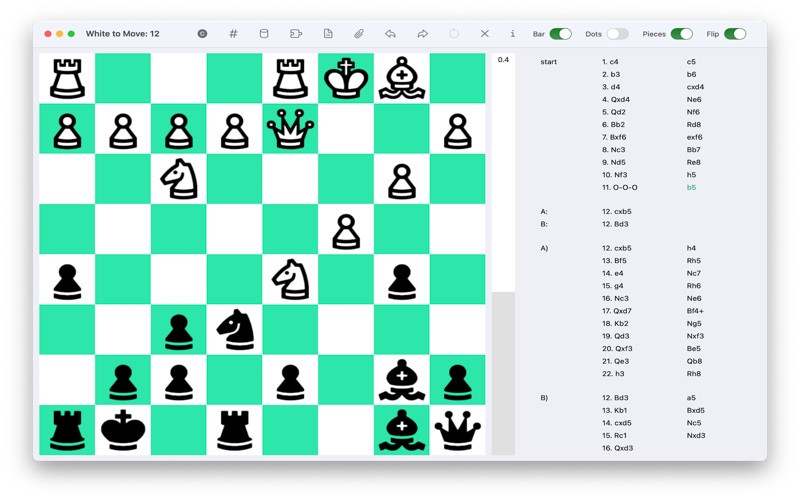
View notation as a scrollable move tree
Create, delete and reorder variations
Undo moves as often as you wish
Use the comment tool to edit text about the game or any move
Use the glyph tool to append an assessment such as ? or ! to any move
Use the transposition tool to see where transpositions exist and cycle through them
Use the castling tool to remind yourself where the castling rooks are
Copy a game to the clipboard as PGN text
Copy a position to the clipboard as FEN text
Paste a game from PGN text on the clipboard
Show or hide the evaluation bar at any time
Choose whether to detect and announce draw by 50 move rule
Choose whether to detect and announce draw by repetition
Choose from eight board colors
Dark and Light modes are supported
Full Screen mode is supported
User Guide is available from the Help menu